
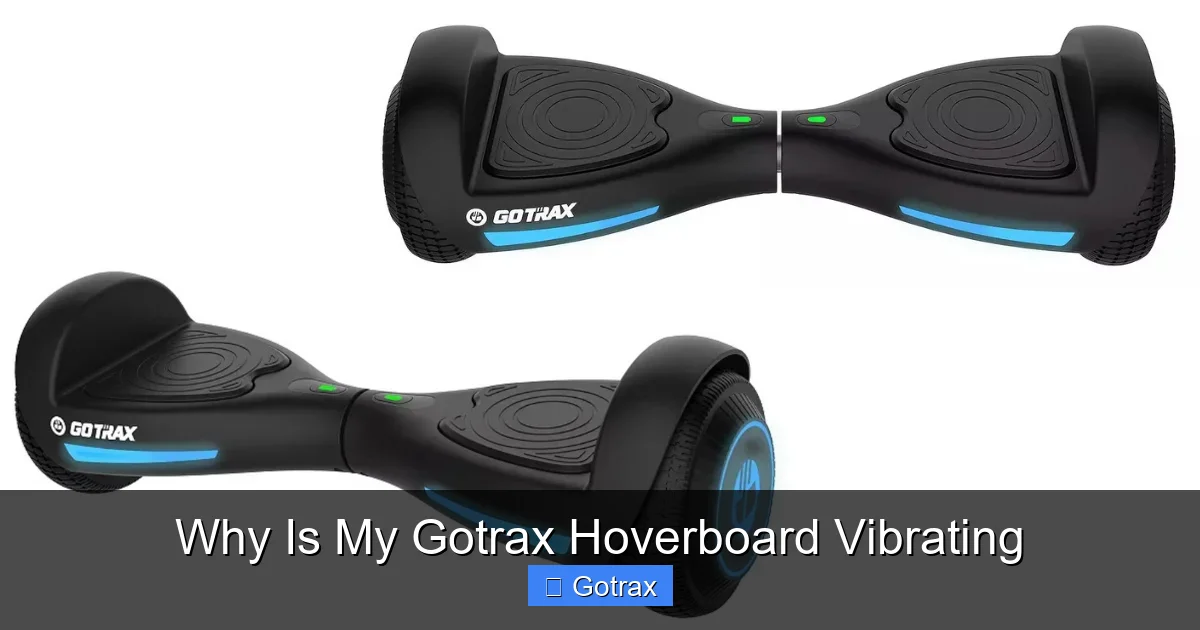
If your Gotrax hoverboard is vibrating, it’s often due to uneven terrain, loose parts, or imbalanced wheels—but don’t panic. Most vibrations are fixable with simple troubleshooting steps like checking tire pressure, tightening screws, or recalibrating the board.
Key Takeaways
- Uneven or rough surfaces can cause vibrations; always ride on smooth, flat ground when possible.
- Loose components like wheels, foot pads, or screws may lead to shaking—regular inspection helps prevent this.
- Low or uneven tire pressure in air-filled models affects stability; check and inflate tires as needed.
- Imbalanced wheels or misaligned motors can create wobbling; recalibration or professional servicing may be required.
- Overloading the hoverboard beyond its weight limit strains the motors and causes vibration.
- Software glitches or sensor issues might trigger erratic behavior; a factory reset or firmware update can help.
- Worn-out parts such as bearings or belts (in some models) degrade performance over time and should be replaced.
📑 Table of Contents
Why Is My Gotrax Hoverboard Vibrating? A Complete Guide to Diagnosing and Fixing the Issue
So, you’re gliding along on your Gotrax hoverboard, feeling the breeze, enjoying the ride—and then suddenly, you notice a strange vibration. It starts subtly, maybe just a faint buzz under your feet, but soon it becomes hard to ignore. Your hoverboard is shaking, wobbling, or humming more than usual. You start wondering: *Why is my Gotrax hoverboard vibrating?*
First, take a deep breath—this isn’t necessarily a sign of a major malfunction. In fact, vibrations are one of the most common issues hoverboard users experience, especially with daily use. Gotrax hoverboards are known for their reliability and affordability, but like any electric rideable, they’re not immune to wear and tear, environmental factors, or user-related issues.
The good news? Most vibration problems are fixable—and often preventable. Whether you’re a first-time rider or a seasoned hoverboard enthusiast, understanding the root causes of vibration can save you time, money, and frustration. In this guide, we’ll walk you through the most common reasons your Gotrax hoverboard might be vibrating, how to diagnose the issue, and what you can do to fix it—step by step.
We’ll cover everything from terrain and tire pressure to internal motor alignment and software glitches. By the end, you’ll have a clear action plan to get your hoverboard running smoothly again. So, let’s dive in and stop that shake before it turns into a safety concern.
Common Causes of Hoverboard Vibration
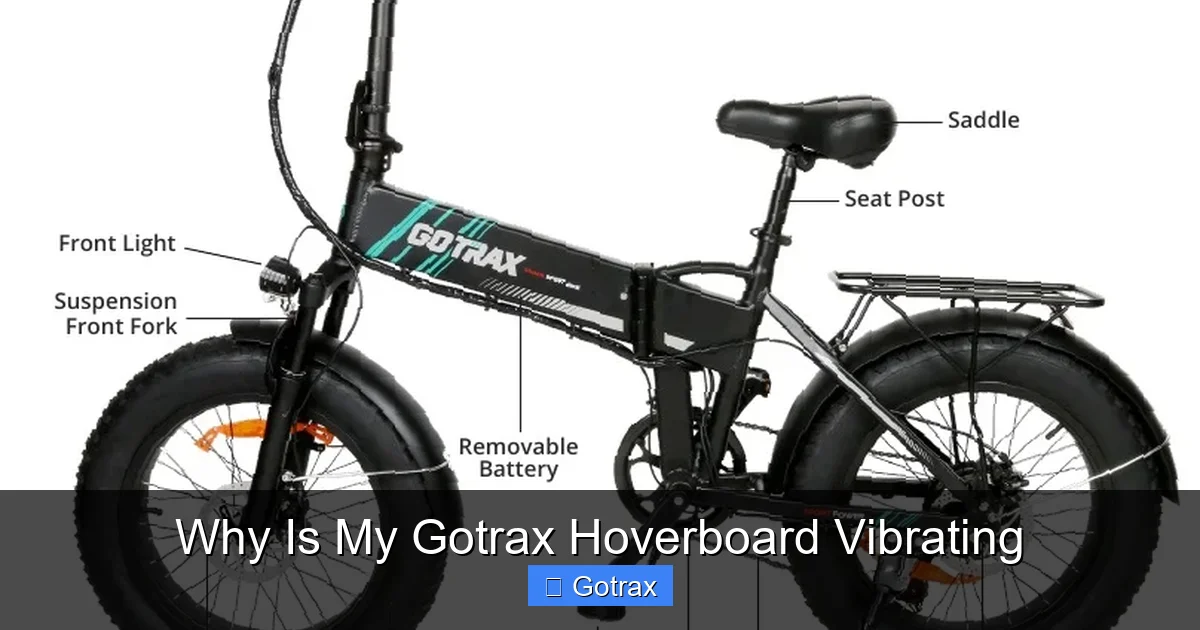
Visual guide about Why Is My Gotrax Hoverboard Vibrating
Image source: static-data2.manualslib.com
Hoverboard vibration can stem from a variety of sources—some external, some internal. The key to solving the problem is identifying the root cause. Let’s break down the most frequent culprits behind that annoying shake.
1. Riding on Uneven or Rough Surfaces
One of the simplest yet most overlooked causes of hoverboard vibration is the terrain you’re riding on. Gotrax hoverboards are designed for smooth pavement, sidewalks, and indoor floors—not gravel, grass, or cracked concrete. When you ride over bumps, potholes, or uneven ground, the wheels absorb the impact, and that energy transfers directly to the board and your feet.
For example, imagine riding over a section of sidewalk with tree roots pushing up the concrete. The sudden jolt can cause the hoverboard to vibrate as the wheels struggle to maintain balance. Even small cracks or seams between pavement slabs can create a rhythmic shaking, especially at higher speeds.
Tip: Always inspect your route before riding. Stick to smooth, flat surfaces whenever possible. If you must cross rough terrain, slow down significantly to reduce the impact on the wheels and motors.
2. Loose or Worn-Out Components
Over time, the constant motion and weight pressure can loosen screws, bolts, and other parts on your hoverboard. The foot pads, wheel hubs, and even the internal motor mounts can become loose, leading to vibrations. A loose wheel, for instance, might wobble slightly as it spins, creating a noticeable shake.
Additionally, worn-out parts like bearings or suspension components (if your model has them) can degrade and cause imbalance. If you’ve dropped your hoverboard or used it heavily, internal components may have shifted or become damaged.
How to check: Turn off the hoverboard and inspect it visually. Gently wiggle the wheels—do they move side to side? Check all visible screws and tighten any that feel loose. If you’re comfortable opening the casing (and your warranty allows it), look for loose wires or misaligned parts.
3. Imbalanced or Misaligned Wheels
Each wheel on your Gotrax hoverboard is connected to a motor. If one wheel spins faster or slower than the other, or if the wheels are not perfectly aligned, it can cause the board to vibrate or drift to one side. This imbalance might be due to a manufacturing defect, damage from a fall, or uneven wear over time.
You might notice this most when riding straight—your hoverboard may feel like it’s “pulling” to one side or vibrating more on one foot pad than the other.
Solution: Try recalibrating your hoverboard (we’ll cover this in detail later). If the problem persists, the wheels or motors may need professional realignment or replacement.
4. Overloading the Hoverboard
Every Gotrax hoverboard has a maximum weight limit—typically between 220 and 265 pounds, depending on the model. Exceeding this limit puts extra strain on the motors, batteries, and frame. When the motors work harder to maintain balance and speed, they can overheat or vibrate excessively.
For instance, if your hoverboard is rated for 220 lbs and you weigh 240 lbs, you’re pushing it beyond its design capacity. This not only causes vibration but can also shorten the lifespan of the board and pose safety risks.
Advice: Always check your model’s weight limit before riding. If you’re close to the limit, consider upgrading to a heavier-duty model or reducing your load (e.g., removing a heavy backpack).
5. Software or Sensor Glitches
Modern hoverboards like Gotrax models rely on gyroscopic sensors and onboard computers to maintain balance. If these sensors get dirty, misaligned, or experience a software hiccup, the hoverboard may vibrate or behave erratically.
Dirt, moisture, or even static electricity can interfere with sensor readings. Additionally, firmware bugs—though rare—can cause the board to misinterpret your movements, leading to jerky or shaky responses.
Fix: Perform a factory reset or update the firmware if available. Cleaning the sensors (usually located near the foot pads) with a dry cloth can also help.
How to Diagnose the Vibration Problem
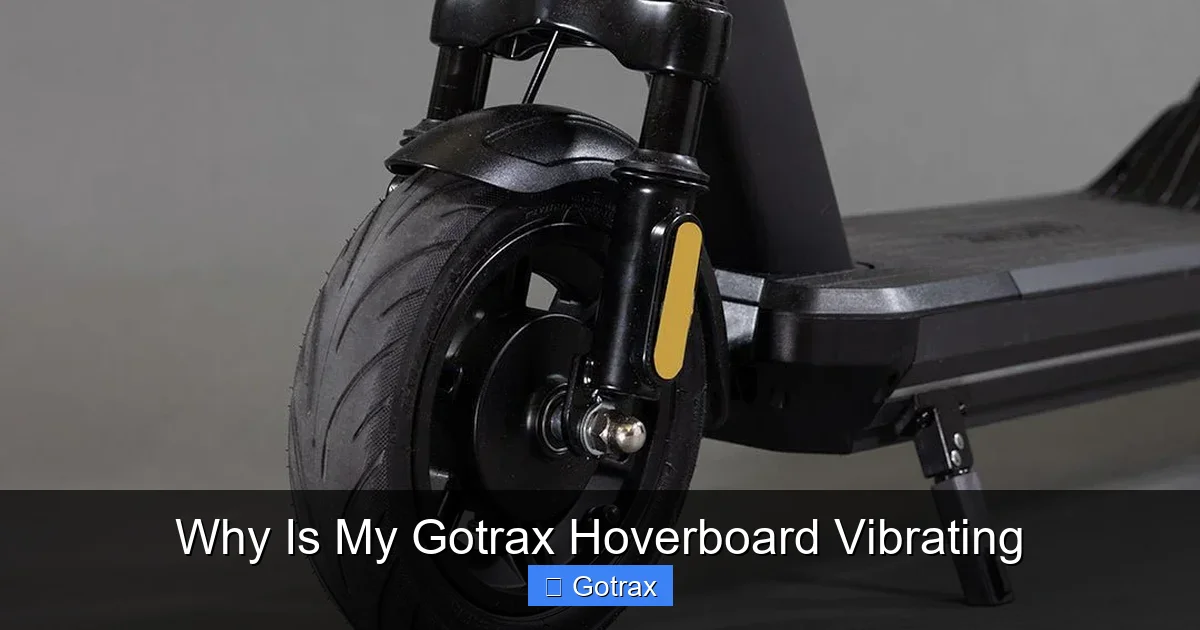
Visual guide about Why Is My Gotrax Hoverboard Vibrating
Image source: cdn.shopify.com
Before you start taking your hoverboard apart or rushing to buy new parts, it’s important to diagnose the issue correctly. A systematic approach will save you time and prevent unnecessary repairs.
Step 1: Observe When the Vibration Occurs
Pay attention to *when* the vibration happens. Does it occur:
– Only when starting or stopping?
– At high speeds?
– On specific types of terrain?
– When turning?
– Continuously, regardless of movement?
For example, if the vibration only happens when you accelerate quickly, it could point to a motor or sensor issue. If it’s worse on bumpy roads, terrain is likely the culprit.
Step 2: Perform a Visual and Physical Inspection
Turn off the hoverboard and give it a thorough once-over. Look for:
– Cracks or damage to the deck or wheels
– Loose screws or bolts
– Debris stuck in the wheels or under the foot pads
– Signs of water damage or corrosion
Gently spin each wheel by hand. Do they turn smoothly? Is there any grinding or resistance? Listen for unusual noises like clicking or whirring.
Step 3: Test on a Smooth, Flat Surface
Take your hoverboard to a clean, flat area like a garage floor or indoor tile. Turn it on and ride slowly. If the vibration disappears, the problem was likely terrain-related. If it persists, the issue is internal.
Step 4: Check Tire Pressure (For Air-Filled Models)
Some Gotrax models, like the GXL series, come with air-filled tires. Low or uneven tire pressure can cause instability and vibration. Use a tire pressure gauge to check both wheels. The recommended PSI is usually printed on the tire sidewall.
Tip: Underinflated tires not only cause vibration but also reduce battery life and increase wear on the motors.
Step 5: Recalibrate the Hoverboard
Recalibration resets the gyroscopic sensors and helps the board relearn its balance. Here’s how to do it:
1. Turn off the hoverboard.
2. Place it on a flat, level surface.
3. Press and hold the power button for 5–10 seconds until the lights flash.
4. Wait for the board to beep and the lights to stabilize.
5. Turn it back on and test.
This simple step resolves many vibration issues caused by sensor drift.
How to Fix a Vibrating Gotrax Hoverboard
Once you’ve diagnosed the problem, it’s time to fix it. Below are practical solutions for the most common vibration causes.
Fix 1: Tighten Loose Components
Grab a screwdriver (usually Phillips or Allen wrench, depending on your model) and check all accessible screws. Focus on:
– Wheel hub screws
– Foot pad mounting screws
– Deck panel screws
Tighten any that are loose—but don’t over-tighten, as this can strip the threads or crack the plastic.
Pro Tip: Apply a small drop of thread locker (like Loctite) to critical screws to prevent them from loosening over time.
Fix 2: Inflate or Replace Tires
For models with air-filled tires:
– Use a bike pump with a pressure gauge to inflate both tires to the recommended PSI.
– Check for punctures or leaks. If a tire is flat and won’t hold air, it may need patching or replacement.
For solid rubber tires, inspect for cracks, flat spots, or uneven wear. Replace damaged wheels through Gotrax customer support or authorized retailers.
Fix 3: Recalibrate or Reset the Board
As mentioned earlier, recalibration can resolve sensor-related vibrations. If that doesn’t work, try a factory reset:
1. Turn off the hoverboard.
2. Hold the power button and the mode button (if available) for 10–15 seconds.
3. Release when the lights flash and the board beeps.
4. Turn it back on and test.
This clears any software glitches and restores default settings.
Fix 4: Clean the Sensors and Wheels
Dirt, dust, and moisture can interfere with sensor performance. Use a soft, dry cloth to wipe the areas around the foot pads where the sensors are located. Avoid using water or cleaning sprays.
Also, clean the wheels and wheel wells to remove gravel, hair, or debris that could cause imbalance.
Fix 5: Avoid Overloading and Rough Terrain
Be mindful of your weight and riding conditions. Stick to smooth surfaces and avoid carrying heavy loads. If you frequently ride on rough terrain, consider upgrading to a hoverboard with better suspension or larger wheels.
Fix 6: Seek Professional Help
If you’ve tried all the above steps and the vibration persists, it may be time to contact Gotrax customer support. Internal issues like motor misalignment, damaged bearings, or faulty circuit boards require professional diagnosis and repair.
Gotrax offers warranty support for manufacturing defects, so check your purchase date and warranty status before reaching out.
Preventing Future Vibrations
An ounce of prevention is worth a pound of cure—especially when it comes to hoverboard maintenance. Here’s how to keep your Gotrax running smoothly for years.
Regular Maintenance Routine
Set a monthly maintenance schedule:
– Inspect screws and tighten as needed
– Check tire pressure (for air-filled models)
– Clean wheels and sensors
– Test balance and recalibrate if necessary
Proper Storage
Store your hoverboard in a cool, dry place away from direct sunlight and moisture. Extreme temperatures can damage batteries and sensors.
Ride Responsibly
Avoid jumping, hard landings, or riding through puddles. These actions can damage internal components and lead to vibration over time.
Use a Protective Case or Cover
When transporting your hoverboard, use a padded case to prevent drops and impacts. This is especially important if you carry it in a backpack or car.
When to Replace Your Hoverboard
Sometimes, despite your best efforts, a hoverboard reaches the end of its lifespan. Signs it’s time to replace your Gotrax include:
– Persistent vibration that doesn’t improve with troubleshooting
– Frequent battery or motor failures
– Cracked or warped deck
– Outdated model with no replacement parts available
Gotrax frequently releases new models with improved features, so upgrading might give you a smoother, safer ride.
Conclusion
So, why is your Gotrax hoverboard vibrating? In most cases, it’s due to something simple—like loose screws, low tire pressure, or rough terrain. With a little troubleshooting, you can often fix the issue yourself and get back to enjoying a smooth, quiet ride.
Remember: vibration is your hoverboard’s way of telling you something’s not right. Ignoring it can lead to bigger problems down the line, including safety risks or costly repairs. By following the steps in this guide—diagnosing the cause, applying the right fix, and maintaining your board regularly—you’ll extend its life and keep it performing at its best.
Whether you’re a casual rider or use your hoverboard for daily commutes, taking care of it ensures a safer, more enjoyable experience. So the next time you feel that telltale shake, don’t panic—just grab your toolkit, check the basics, and ride on with confidence.
Your Gotrax hoverboard was built to glide, not rattle. Let’s keep it that way.
Frequently Asked Questions
Why is my Gotrax hoverboard vibrating when I stand still?
This usually indicates a sensor or calibration issue. The hoverboard may be misreading your balance. Try recalibrating it on a flat surface. If the problem continues, check for loose parts or contact Gotrax support.
Can low battery cause hoverboard vibration?
Yes, a low battery can cause motors to underperform, leading to instability and vibration. Always charge your hoverboard fully before riding, and avoid draining the battery completely.
Is it safe to ride a vibrating hoverboard?
It depends on the cause. Minor vibrations from rough terrain are usually safe, but persistent shaking could signal a serious issue like motor failure. If in doubt, stop riding and inspect the board.
How often should I recalibrate my Gotrax hoverboard?
Recalibrate every few weeks or after a hard drop. It’s also a good idea to recalibrate if you notice drifting, shaking, or unresponsive controls.
Can I fix a vibrating hoverboard myself?
Many vibration issues—like loose screws or low tire pressure—can be fixed at home. However, internal motor or circuit problems may require professional repair.
Do Gotrax hoverboards have suspension?
Most Gotrax models do not have advanced suspension systems. They rely on wheel design and tire type for shock absorption. Air-filled tires offer slightly better cushioning than solid rubber ones.