
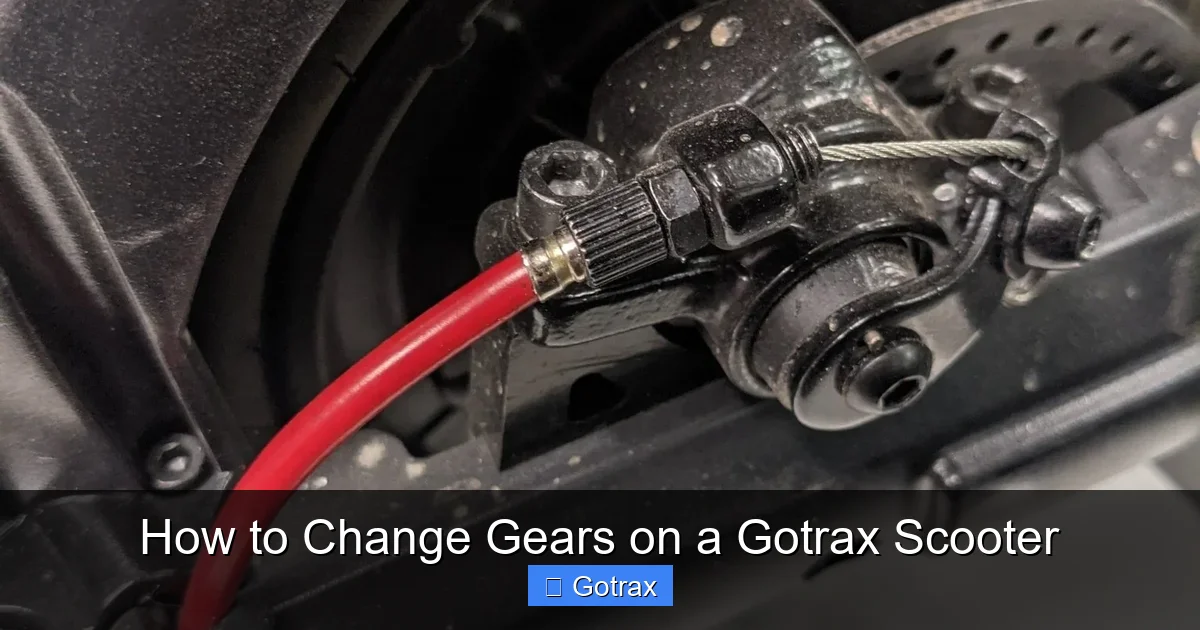
This guide walks you through how to change gears on a Gotrax scooter safely and effectively. Whether you’re a beginner or upgrading your ride, you’ll learn the mechanics, tips, and troubleshooting steps to master gear shifting.
Key Takeaways
- Understand your scooter’s gear system: Most Gotrax scooters use automatic or single-speed transmissions, but some models feature selectable speed modes that act like gears.
- Use the throttle and brake correctly: Smooth acceleration and braking are essential when shifting between speed modes to avoid jerking or stalling.
- Check your model first: Not all Gotrax scooters have multiple gears—verify your scooter supports gear or speed mode changes before attempting.
- Practice in a safe area: Always test gear changes in a flat, open space free of traffic or obstacles.
- Maintain your scooter regularly: Clean the throttle, check battery levels, and inspect wiring to ensure smooth gear transitions.
- Avoid forcing shifts: If a gear won’t engage, stop and troubleshoot—forcing it can damage internal components.
- Know when to seek help: If gear issues persist, contact Gotrax support or a certified technician.
Introduction: Why Learning to Change Gears Matters
If you’ve recently bought a Gotrax scooter or are considering upgrading your ride, you might be wondering: “How do I change gears on a Gotrax scooter?” While many electric scooters—especially entry-level models—are designed with simplicity in mind, some Gotrax models offer selectable speed modes that function similarly to gears. These modes let you adjust your scooter’s power output, speed, and acceleration to match your riding conditions.
This comprehensive guide will walk you through everything you need to know about changing gears—or speed modes—on a Gotrax scooter. Whether you’re commuting to work, cruising through the park, or tackling hilly terrain, mastering gear shifting can improve your ride quality, extend battery life, and enhance safety. We’ll cover which models support gear changes, how to operate them, common mistakes to avoid, and troubleshooting tips. By the end, you’ll feel confident and in control every time you hop on your scooter.
Understanding Gotrax Scooter Gear Systems
Before diving into the how-to steps, it’s important to understand how Gotrax scooters handle “gears.” Unlike traditional bicycles or motorcycles with manual gear shifters, most Gotrax electric scooters use electric motor controllers to manage speed. Instead of physical gears, many models feature multiple speed modes that you can select via a button or app. These modes adjust the power delivered to the motor, effectively changing how fast and how quickly your scooter accelerates.
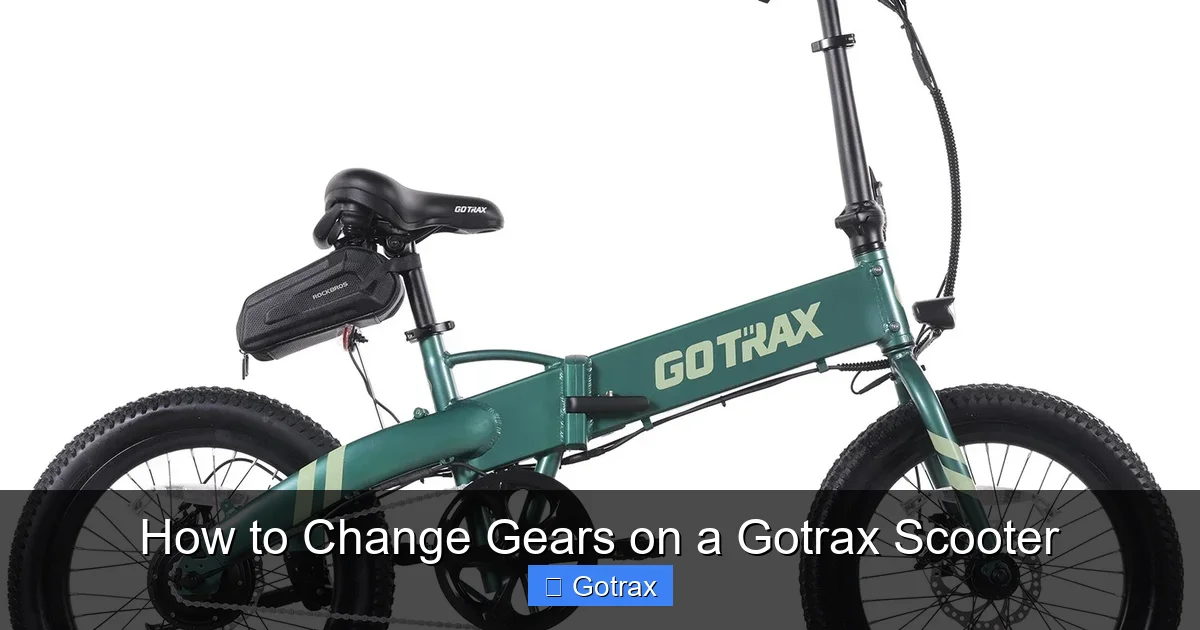
Visual guide about How to Change Gears on a Gotrax Scooter
Image source: gotrax.com
Types of Gotrax Scooters and Their Gear Options
Gotrax offers a wide range of scooters, from lightweight kids’ models to high-performance adult versions. Here’s a breakdown of how gear systems vary across popular models:
- Gotrax GKS / GXL V2: These entry-level scooters typically have a single speed mode with a top speed of around 15 mph. No gear changes are available—just twist-and-go throttle control.
- Gotrax G4 / GMAX Ultra: These mid-to-high-tier models often include three selectable speed modes (Eco, Normal, Sport), which act like gears. You can switch between them using a button on the handlebar or via the Gotrax app.
- Gotrax XR Elite / XR Ultra: These models support multiple speed settings and may include regenerative braking and app connectivity for customizing performance.
- Gotrax Apex / Apex Pro: Designed for older teens and adults, these scooters often feature advanced speed modes and responsive throttles for better control.
It’s crucial to check your specific model’s user manual or product page to confirm whether it supports gear or speed mode changes. Assuming your scooter has gears when it doesn’t can lead to confusion or accidental damage.
How Speed Modes Work Like Gears
Think of speed modes as “electronic gears.” In Eco mode, the motor delivers less power, resulting in slower acceleration and lower top speed—ideal for beginners or conserving battery. Normal mode offers balanced performance for everyday riding. Sport mode unlocks maximum power and speed, perfect for experienced riders or hilly areas.
Switching between these modes is similar to shifting gears on a bike: you’re adjusting the scooter’s performance to suit your needs. However, unlike manual transmissions, Gotrax scooters handle the transition automatically—no clutch or gear lever required.
Step-by-Step: How to Change Gears on a Gotrax Scooter
Now that you understand the basics, let’s walk through the process of changing gears—or speed modes—on a Gotrax scooter. Follow these steps carefully to ensure a smooth and safe experience.
Step 1: Check Your Scooter’s Compatibility
Before attempting to change gears, confirm that your Gotrax model supports multiple speed modes. Look for a mode button on the handlebar display or check the Gotrax app (if your scooter is app-enabled). Models like the G4, GMAX Ultra, and XR Elite typically have this feature.
If your scooter only has a throttle and brake, it likely operates in a single speed mode. In that case, “changing gears” isn’t applicable—but you can still optimize performance by managing throttle input and riding style.
Step 2: Power On the Scooter
Turn on your scooter using the power button, usually located near the handlebar or under the deck. Wait for the display to fully boot up. You should see indicators for battery level, speed mode, and possibly Bluetooth connectivity.
Ensure the scooter is on a flat, stable surface and the kickstand is up. Never attempt to change modes while the scooter is moving unless your model specifically allows it (most do).
Step 3: Locate the Mode Button
The mode button is typically a small, round button on the left or right side of the handlebar, near the display. It may be labeled “MODE,” “S,” or have a gear icon. On app-connected models, you can also change modes through the Gotrax app on your smartphone.
Press the button once to cycle through available modes. Each press usually advances to the next setting: Eco → Normal → Sport → (sometimes back to Eco).
Step 4: Select Your Desired Gear (Speed Mode)
Choose the mode that best fits your riding conditions:
- Eco Mode: Best for beginners, short trips, or conserving battery. Top speed is reduced (usually 10–12 mph), and acceleration is gentler.
- Normal Mode: The default setting for most riders. Offers balanced speed (15–18 mph) and responsiveness.
- Sport Mode: Unlocks full power and top speed (up to 20 mph on some models). Use only in safe, open areas and when you’re comfortable with higher speeds.
After selecting a mode, the display should update to show the current setting. Some models emit a beep or flash the screen to confirm the change.
Step 5: Test the Gear Change
Before riding at full speed, test the new mode in a safe, open area—like an empty parking lot or quiet street. Gently twist the throttle and observe how the scooter responds.
Notice the difference in acceleration and top speed. In Eco mode, the scooter will feel sluggish but efficient. In Sport mode, it will accelerate quickly and feel more responsive.
If the mode doesn’t seem to change, double-check that you pressed the button correctly and that the scooter is fully powered on. Some models require you to be stationary when changing modes.
Step 6: Use the Throttle and Brake Smoothly
Once you’ve selected a gear, use the throttle and brake with care. Sudden twists or hard braking can cause jerking, especially when switching from a high to low mode.
For smoother transitions:
- Gradually release the throttle before changing modes.
- Avoid changing modes while braking hard.
- Let the scooter stabilize before accelerating again.
This helps protect the motor and battery while ensuring a comfortable ride.
Practical Tips for Effective Gear Shifting
Changing gears on a Gotrax scooter isn’t just about pressing a button—it’s about using the right technique at the right time. Here are some practical tips to help you get the most out of your scooter’s speed modes.
Tip 1: Match the Mode to Your Environment
Use Eco mode in crowded areas, on sidewalks, or when riding with kids. The reduced speed gives you more control and reaction time. Switch to Normal or Sport mode on open roads, bike lanes, or when you need to keep up with traffic.
For example, if you’re commuting through a busy downtown area, start in Eco mode. Once you reach a quieter street, switch to Normal for a smoother ride.
Tip 2: Conserve Battery with Smart Shifting
Higher speed modes drain the battery faster. If you’re on a long trip, use Eco mode for most of the journey and switch to Sport only when needed—like climbing a hill or passing another rider.
Many riders find that using Eco mode for 70% of their ride and Sport for 30% strikes a good balance between performance and range.
Tip 3: Practice Mode Transitions
Get comfortable with switching modes while riding. Start by practicing in a safe area. Try changing from Eco to Normal while gently accelerating. Notice how the scooter responds.
With practice, you’ll learn the best moments to shift—like before a hill or when merging into traffic.
Tip 4: Use the App for Advanced Control
If your Gotrax scooter supports the Gotrax app (available for iOS and Android), download it and pair your scooter via Bluetooth. The app lets you:
- View real-time speed and battery data
- Change speed modes remotely
- Set speed limits (great for kids or beginners)
- Track ride history and distance
The app provides a more intuitive way to manage gears, especially if the handlebar button is hard to reach.
Tip 5: Avoid Common Mistakes
Even experienced riders make errors when shifting gears. Watch out for these common pitfalls:
- Changing modes while braking hard: This can cause the motor to lag or the scooter to jerk.
- Forcing the button: If the mode doesn’t change, don’t press the button repeatedly. Check the power or try again when stationary.
- Ignoring battery level: Low battery can limit performance, even in Sport mode. Charge your scooter regularly.
- Riding in Sport mode all the time: This wears out the motor and drains the battery faster. Use it sparingly.
Troubleshooting Gear Change Issues
Sometimes, your Gotrax scooter might not respond when you try to change gears. Don’t panic—most issues are easy to fix with a little troubleshooting.
Problem: Mode Button Doesn’t Work
If pressing the mode button has no effect, try these steps:
- Ensure the scooter is fully powered on. Sometimes the display takes a few seconds to activate.
- Check if the battery is low. Some models disable mode changes when battery is below 20%.
- Restart the scooter by turning it off and on again.
- If using the app, make sure Bluetooth is connected and the app is updated.
Problem: Scooter Jerks When Changing Modes
A sudden jerk during a mode change is usually caused by abrupt throttle input. To fix it:
- Release the throttle completely before changing modes.
- Wait 1–2 seconds after switching before accelerating.
- Avoid changing modes while going uphill or at high speed.
Problem: Mode Resets After Turning Off
Some Gotrax models revert to Normal mode when powered off. This is normal and helps prevent accidental high-speed starts. If you prefer a different default, check the app settings—some models allow you to customize the startup mode.
Problem: Display Shows Error Code
If the screen shows an error (like “E1” or “E2”), consult your user manual or Gotrax support. Common causes include loose wiring, motor issues, or sensor faults. Avoid riding until the issue is resolved.
When to Contact Gotrax Support
If troubleshooting doesn’t solve the problem, or if you notice unusual noises, overheating, or loss of power, contact Gotrax customer service. They can guide you through advanced diagnostics or arrange a repair if needed.
Maintaining Your Scooter for Smooth Gear Shifts
Regular maintenance keeps your Gotrax scooter running smoothly and ensures reliable gear changes. Here’s how to care for your scooter:
Clean the Throttle and Handlebar
Dirt and grime can interfere with the throttle and mode button. Wipe the handlebar with a damp cloth weekly. Avoid spraying water directly on electrical components.
Check Battery Health
A weak or aging battery can cause sluggish performance, even in Sport mode. Charge your scooter after each use and store it in a cool, dry place. Replace the battery if it no longer holds a charge.
Inspect Wiring and Connections
Over time, vibrations can loosen wires. Periodically check the connections under the deck and near the handlebar. If you see frayed wires or loose plugs, have them repaired by a professional.
Update Firmware (If Applicable)
Some Gotrax models receive firmware updates via the app. These updates can improve performance, fix bugs, and enhance gear-shifting responsiveness. Check for updates monthly.
Conclusion: Master Your Ride with Confidence
Learning how to change gears on a Gotrax scooter opens up a new level of control and enjoyment. While not all models have traditional gears, the speed modes available on many Gotrax scooters offer similar benefits—letting you adapt to different riding conditions, save battery, and ride more safely.
By following this guide, you now know how to identify gear-compatible models, use the mode button effectively, avoid common mistakes, and troubleshoot issues. Remember to practice in safe areas, maintain your scooter regularly, and always prioritize safety.
Whether you’re a daily commuter or a weekend explorer, mastering gear shifting will make your rides smoother, more efficient, and more fun. So charge up, choose your mode, and hit the road with confidence!