
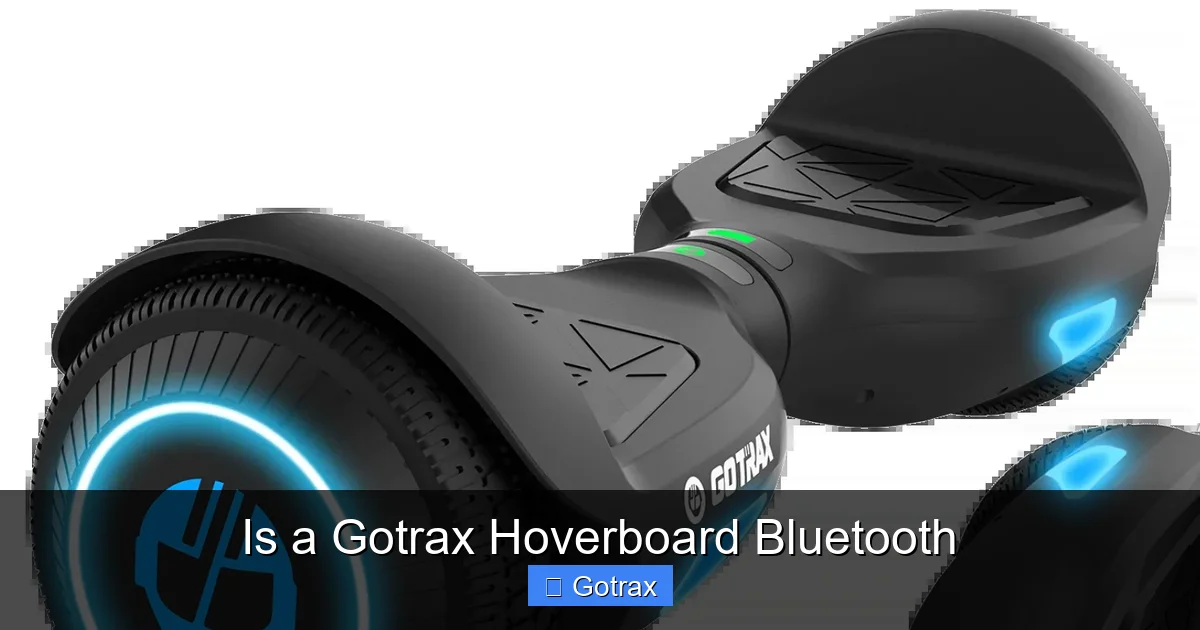
Yes, many Gotrax hoverboards come equipped with Bluetooth functionality, allowing riders to stream music and connect to companion apps. This feature enhances the riding experience by adding entertainment and smart controls, making Gotrax a top choice for tech-savvy users.
If you’re considering buying a hoverboard, you’ve probably seen the Gotrax brand pop up more than once. Known for their sleek designs, solid build quality, and budget-friendly prices, Gotrax hoverboards have become a favorite among teens, commuters, and casual riders alike. But one question that keeps coming up—especially among tech lovers and music fans—is: Is a Gotrax hoverboard Bluetooth?
The short answer? Yes, many Gotrax hoverboards do come with Bluetooth. But it’s not universal across all models. Gotrax offers a range of hoverboards, from basic entry-level boards to more advanced versions packed with features like LED lights, app integration, and yes—Bluetooth connectivity. So whether you’re cruising around the neighborhood, heading to class, or just enjoying a weekend ride in the park, having Bluetooth can seriously upgrade your experience.
Imagine gliding down the sidewalk with your favorite playlist pumping through built-in speakers, or checking your speed and battery life right from your phone. That’s the kind of convenience and fun Bluetooth brings to the table. And while not every Gotrax hoverboard includes this feature, the ones that do make a strong case for choosing them over competitors. In this guide, we’ll dive deep into which Gotrax models have Bluetooth, how to use it, what benefits it offers, and tips to get the most out of your connected ride.
Key Takeaways
- Bluetooth is available on select Gotrax hoverboard models: Not all Gotrax hoverboards have Bluetooth, but popular ones like the XR Elite and Hoverfly ECO do.
- Music streaming is a key benefit: Bluetooth lets you play music directly through built-in speakers, turning your ride into a mobile party.
- App connectivity enhances control: Some models sync with the Gotrax app for speed tracking, battery monitoring, and ride history.
- Easy pairing process: Connecting your phone to a Gotrax hoverboard is simple—just enable Bluetooth and follow on-screen prompts.
- Bluetooth improves safety and fun: Riders can stay entertained without headphones, keeping awareness of surroundings.
- Check model specs before buying: Always verify Bluetooth capability in the product description to avoid disappointment.
- Firmware updates may improve performance: Gotrax occasionally releases updates that enhance Bluetooth stability and app features.
📑 Table of Contents
Which Gotrax Hoverboards Have Bluetooth?
Not all Gotrax hoverboards are created equal when it comes to Bluetooth. The company offers several models, and only some include Bluetooth functionality. If you’re shopping for a Gotrax hoverboard and Bluetooth is a must-have, it’s important to know which models to look for.
One of the most popular Bluetooth-enabled models is the Gotrax XR Elite. This hoverboard is a step up from the standard XR, featuring not only Bluetooth but also a mobile app, LED headlights, and a more powerful motor. It’s designed for riders who want a smoother, smarter experience. The XR Elite allows you to connect your smartphone via Bluetooth to stream music through its built-in speakers and use the Gotrax app to monitor performance.
Another model with Bluetooth is the Gotrax Hoverfly ECO. This board is perfect for younger riders or those looking for a lightweight, eco-friendly option. Despite its compact size, the Hoverfly ECO includes Bluetooth so you can enjoy music on the go. It also has colorful LED lights and a simple design that makes it easy to ride.
The Gotrax G4 is another standout model with Bluetooth. Known for its off-road capabilities and rugged tires, the G4 is built for adventure. It includes Bluetooth connectivity, allowing you to play music while tackling trails or cruising through the city. The G4 also supports the Gotrax app, giving you access to ride stats and customization options.
On the other hand, basic models like the Gotrax GXL V2 or the original Gotrax XR do not include Bluetooth. These boards are more focused on affordability and core functionality—great for beginners or casual riders who don’t need extra tech features. So if Bluetooth is important to you, make sure to double-check the product description before purchasing.
How to Identify Bluetooth-Enabled Models
When browsing Gotrax hoverboards online or in-store, look for keywords like “Bluetooth,” “app connectivity,” or “built-in speakers” in the product title or description. Gotrax usually highlights these features prominently. You can also check the product images—many Bluetooth models show a speaker icon or mention music streaming.
Another tip: visit the official Gotrax website and use their product filter to sort by features. This makes it easy to find models with Bluetooth, LED lights, or app support. Customer reviews can also be helpful—riders often mention Bluetooth performance and ease of use.
Why Bluetooth Matters in a Hoverboard
You might be wondering: why bother with Bluetooth on a hoverboard? After all, it’s not essential for riding. But once you experience it, you’ll see how much it enhances the overall experience.
First, there’s the entertainment factor. Riding a hoverboard is already fun, but adding music takes it to the next level. Whether you’re commuting, hanging out with friends, or just exploring your neighborhood, having your favorite tunes playing makes the journey more enjoyable. And because the sound comes from the hoverboard itself, you don’t need to wear headphones—keeping your ears free to hear traffic, pedestrians, or other important sounds.
Second, Bluetooth enables app connectivity. The Gotrax app, available for iOS and Android, lets you track your speed, distance, battery level, and ride time. Some models even allow you to customize LED colors or set speed limits—great for parents managing their kids’ rides. This kind of smart control adds a layer of safety and personalization that basic hoverboards can’t match.
How to Connect Bluetooth on a Gotrax Hoverboard
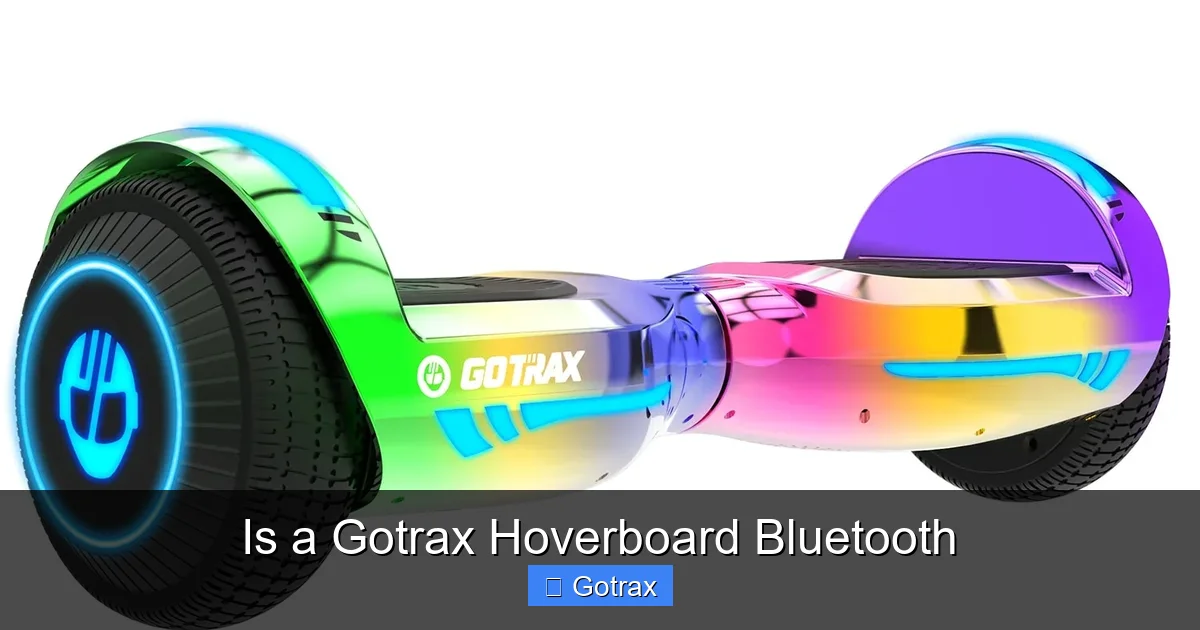
Visual guide about Is a Gotrax Hoverboard Bluetooth
Image source: gotrax.com
Connecting your phone to a Gotrax hoverboard with Bluetooth is surprisingly simple. The process is similar to pairing any other Bluetooth device, like wireless headphones or a speaker. Here’s a step-by-step guide to get you started.
First, make sure your hoverboard is powered on. Most Gotrax models with Bluetooth will automatically enter pairing mode when turned on, but if not, you may need to press and hold the Bluetooth button (usually located near the power switch or on the side of the board). Look for a blinking light—this indicates the board is ready to pair.
Next, go to your smartphone’s Bluetooth settings. Turn on Bluetooth and scan for available devices. You should see your Gotrax hoverboard listed—often labeled as “Gotrax,” “Hoverfly,” or a model-specific name like “XR Elite.” Tap on it to connect.
Once connected, you’ll hear a confirmation sound from the hoverboard’s speakers, and your phone will show “Connected” under the device name. Now you can open your favorite music app—Spotify, Apple Music, YouTube, etc.—and start playing. The audio will stream directly through the hoverboard’s built-in speakers.
Troubleshooting Bluetooth Connection Issues
Sometimes, Bluetooth pairing doesn’t go smoothly. If your phone can’t find the hoverboard, try turning the board off and on again. Make sure you’re within range (usually within 30 feet) and that no other devices are interfering.
If the connection drops frequently, it could be due to low battery—both on your phone and the hoverboard. Bluetooth uses power, so a weak battery might cause interruptions. Also, avoid pairing multiple devices at once, as this can confuse the system.
Another common issue is outdated firmware. Gotrax occasionally releases software updates that improve Bluetooth performance. To check for updates, download the Gotrax app and connect your hoverboard. The app will notify you if an update is available.
Tips for Better Bluetooth Performance
To get the best sound quality and connection stability, keep your phone close to the hoverboard—ideally in a pocket or backpack. Avoid placing it in a metal container or behind thick materials, as these can block the signal.
Also, be mindful of volume levels. While the built-in speakers are convenient, they’re not designed for high-fidelity audio. For the best experience, keep the volume at a moderate level—loud enough to enjoy, but not so loud that it distorts or drains the battery too quickly.
If you’re riding in a noisy area, consider using the hoverboard’s speakers for rhythm and beats, but rely on your environment awareness for safety. Never let music distract you from traffic or obstacles.
Benefits of Bluetooth on a Gotrax Hoverboard
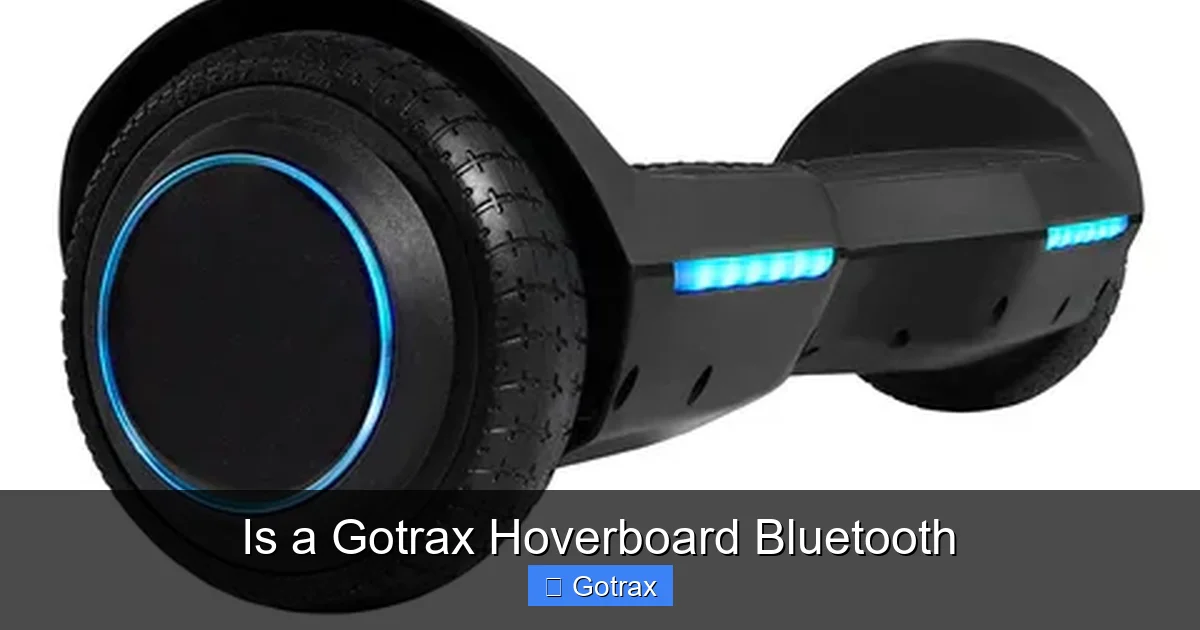
Visual guide about Is a Gotrax Hoverboard Bluetooth
Image source: cdn.shopify.com
Adding Bluetooth to a hoverboard might seem like a small feature, but it brings several real benefits that improve both fun and functionality. Let’s break down why Bluetooth is more than just a gimmick—it’s a valuable upgrade for modern riders.
One of the biggest advantages is enhanced entertainment. Let’s face it—riding a hoverboard is more fun with music. Whether you’re cruising solo or with friends, having a soundtrack makes the experience more engaging. It’s like having a personal DJ built into your ride. And because the sound comes from the board, you don’t need to wear headphones, which can be unsafe in traffic or crowded areas.
Another benefit is improved safety through awareness. Unlike headphones, which block out external sounds, hoverboard speakers allow you to hear your music while still being aware of your surroundings. You can listen for car horns, sirens, or people calling out—important for staying safe, especially in urban environments.
Bluetooth also enables smart app integration. The Gotrax app gives you access to real-time data like speed, distance traveled, and battery life. You can even set speed limits for younger riders or track your progress over time. This kind of feedback helps you ride more efficiently and safely.
For parents, app connectivity adds a layer of control. You can monitor your child’s riding habits, set boundaries, and ensure they’re not going too fast. Some models even allow you to remotely disable the hoverboard if needed—a great safety feature for peace of mind.
Finally, Bluetooth adds convenience and modern appeal. In a world where everything is connected, having a hoverboard that syncs with your phone feels natural. It’s one less device to carry and one more way to integrate technology into your daily life.
Real-Life Examples of Bluetooth in Action
Imagine a student riding their Gotrax XR Elite to campus. They connect their phone via Bluetooth, queue up a playlist, and enjoy music while gliding between classes. Along the way, they check the Gotrax app to see how much battery is left and adjust their speed to conserve power.
Or picture a family outing at the park. The kids take turns riding the Hoverfly ECO, each choosing their favorite songs to play through the speakers. Parents can monitor ride time and ensure everyone stays within safe limits using the app.
Even commuters benefit. Someone riding their Gotrax G4 to work can listen to a podcast or audiobook while navigating city streets—all without blocking their hearing. The Bluetooth feature turns a simple commute into a more enjoyable, productive experience.
Gotrax App: Unlocking Full Bluetooth Potential
While Bluetooth lets you stream music, the real magic happens when you pair your hoverboard with the Gotrax app. This free mobile app, available on both iOS and Android, turns your hoverboard into a smart device with advanced features and insights.
Once you download the app and connect your hoverboard via Bluetooth, you gain access to a dashboard that shows real-time data. You can see your current speed, total distance traveled, battery percentage, and even ride history. This is especially useful for tracking progress over time or setting personal goals.
The app also allows for customization. On supported models, you can change the color of the LED lights, adjust speed settings, or enable beginner mode for safer riding. Some users even set up custom light shows that sync with their music—perfect for nighttime rides or parties.
How to Use the Gotrax App
Download the app from the App Store or Google Play. Open it and follow the on-screen instructions to pair your hoverboard. Make sure Bluetooth is enabled on your phone and that the hoverboard is powered on.
Once connected, the app will display your ride stats. You can swipe through different screens to view speed, battery, and distance. Some models also show a map of your route, though this feature depends on GPS availability.
To customize settings, tap the gear icon or “Settings” tab. Here, you can adjust LED colors, set speed limits, or enable safety features like low-battery alerts.
App Limitations and Tips
While the Gotrax app is useful, it’s not perfect. Some users report occasional connection drops or delayed updates. To minimize issues, keep your app and hoverboard firmware updated. Also, avoid using the app in areas with poor Bluetooth signal, like underground parking or dense buildings.
Another tip: don’t rely solely on the app for critical info like battery life. Always check the physical indicators on the hoverboard as a backup.
Comparing Gotrax Bluetooth Models
If you’re trying to decide which Gotrax hoverboard with Bluetooth is right for you, it helps to compare the top models side by side. Here’s a quick breakdown of the most popular Bluetooth-enabled options:
The Gotrax XR Elite is ideal for commuters and teens. It offers a 10-mile range, 10 mph top speed, Bluetooth, app support, and LED lights. It’s a great all-around choice for daily use.
The Gotrax Hoverfly ECO is perfect for younger riders or those who want a lightweight, eco-friendly board. It has a 7-mile range, 8 mph speed, and Bluetooth with music streaming. Its compact size makes it easy to carry.
The Gotrax G4 is built for adventure. With off-road tires, a 12-mile range, and 12 mph speed, it’s great for trails and rough terrain. Bluetooth and app connectivity add smart features to its rugged design.
Each model has its strengths, so your choice depends on your needs. If you want speed and range, go for the G4. If you’re looking for something portable and fun, the Hoverfly ECO is a solid pick. For a balanced mix of features, the XR Elite is hard to beat.
Final Thoughts: Is Bluetooth Worth It?
So, is a Gotrax hoverboard Bluetooth? For many riders, the answer is a resounding yes. Bluetooth adds entertainment, safety, and smart functionality that elevate the hoverboard experience. It’s not just about playing music—it’s about integrating your ride into your digital lifestyle.
While not every Gotrax model includes Bluetooth, the ones that do offer clear advantages. Whether you’re streaming your favorite playlist, tracking your rides, or customizing your board’s lights, Bluetooth makes everything more enjoyable and convenient.
If you’re shopping for a hoverboard and value tech features, look for models like the XR Elite, Hoverfly ECO, or G4. Always check the specs to confirm Bluetooth capability, and don’t forget to download the Gotrax app to unlock the full potential.
In the end, a Gotrax hoverboard with Bluetooth isn’t just a ride—it’s a smart, connected experience that makes every journey more fun.
Frequently Asked Questions
Do all Gotrax hoverboards have Bluetooth?
No, not all Gotrax hoverboards come with Bluetooth. Only select models like the XR Elite, Hoverfly ECO, and G4 include this feature. Always check the product description before buying.
How do I connect my phone to a Gotrax hoverboard via Bluetooth?
Turn on your hoverboard, enable Bluetooth on your phone, and look for the hoverboard in the device list. Tap to connect, and you’ll hear a confirmation sound once paired.
Can I use the Gotrax app without Bluetooth?
No, the Gotrax app requires a Bluetooth connection to sync with your hoverboard. Without it, you won’t be able to access ride data or customization features.
Do Gotrax hoverboards have built-in speakers?
Yes, Bluetooth-enabled Gotrax hoverboards come with built-in speakers that allow you to stream music directly from your phone.
Is the Bluetooth connection stable on Gotrax hoverboards?
Generally, yes. However, connection quality can vary based on distance, battery level, and interference. Keeping your firmware updated helps maintain stability.
Can I update my Gotrax hoverboard’s Bluetooth firmware?
Yes, Gotrax occasionally releases firmware updates through the app. Connect your hoverboard and check for updates in the settings menu to improve performance.