
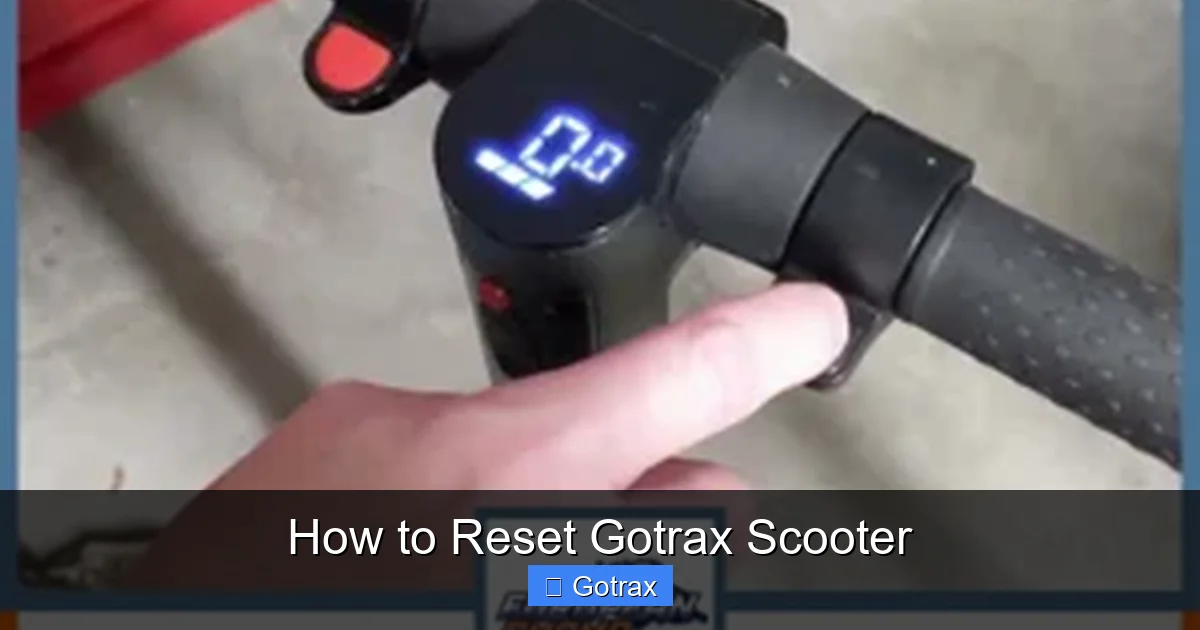
This guide walks you through how to reset a Gotrax scooter to fix common issues like unresponsive controls, error codes, or connectivity problems. Whether you own a GXL, G2, G4, or another model, these simple steps will help restore your scooter to factory settings and get you riding smoothly again.
Key Takeaways
- Resetting your Gotrax scooter can fix software glitches and restore normal operation. It’s a safe first step when your scooter won’t turn on, won’t accelerate, or shows error codes.
- Most Gotrax models use a power-button reset method. This involves turning the scooter on and off in a specific sequence to reboot the system.
- Some models require a hard reset or firmware update. For persistent issues, a full reset or app-based update may be necessary.
- Always charge your scooter before resetting. Low battery can cause false errors and prevent the reset from working properly.
- Check for physical damage or loose connections. Sometimes the issue isn’t software-related—inspect wires, fuses, and the battery compartment.
- Use the Gotrax app for advanced diagnostics. The app can help identify problems and guide you through resets on compatible models.
- Contact Gotrax support if the reset fails. If your scooter still doesn’t work after troubleshooting, professional help may be needed.
How to Reset Gotrax Scooter: A Complete Step-by-Step Guide
Gotrax electric scooters are known for their reliability, affordability, and smooth rides. But like any electronic device, they can occasionally run into issues—whether it’s a frozen display, unresponsive throttle, or an error code that won’t go away. When that happens, one of the most effective first steps is to reset your Gotrax scooter.
In this comprehensive guide, you’ll learn exactly how to reset your Gotrax scooter, no matter which model you own. We’ll cover the standard reset method, model-specific instructions, troubleshooting tips, and when to seek professional help. By the end, you’ll be able to confidently restore your scooter to working order and get back on the road safely.
Why Reset Your Gotrax Scooter?
Before diving into the steps, it’s important to understand why a reset might be necessary. Gotrax scooters rely on an onboard computer system to manage power, speed, braking, and connectivity. Over time, software glitches, power surges, or interrupted updates can cause the system to behave unpredictably.
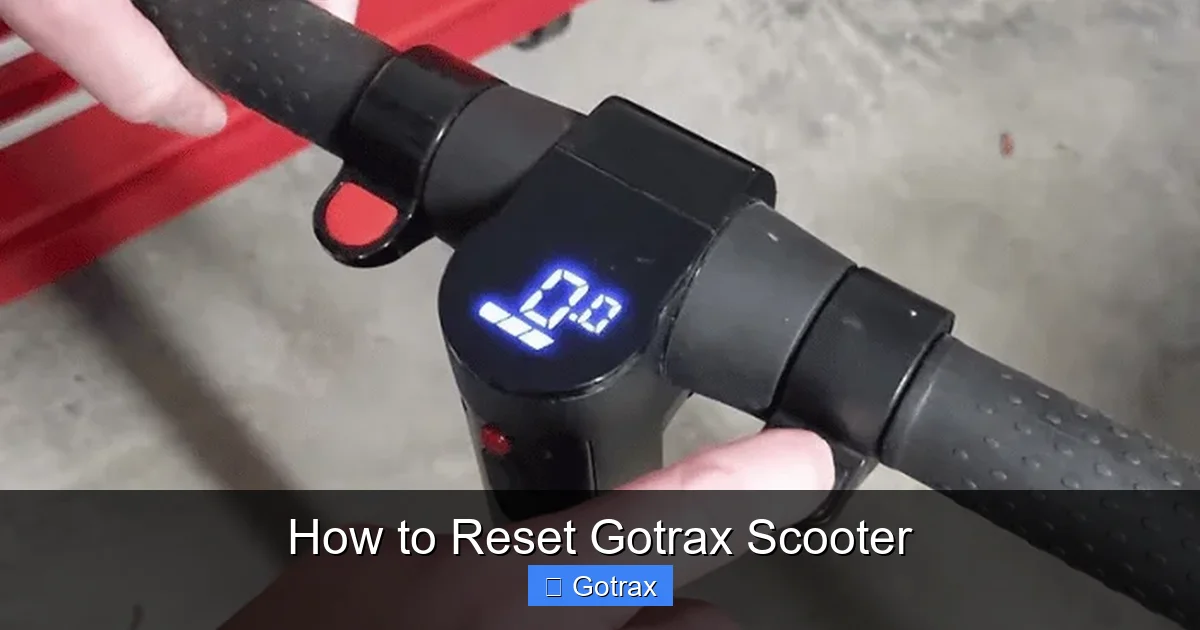
Visual guide about How to Reset Gotrax Scooter
Image source: europeanchamp.com
Common signs that your scooter needs a reset include:
- The scooter won’t turn on, even with a full charge
- The display shows error codes (like E1, E2, or E3)
- The throttle doesn’t respond when you twist it
- The scooter cuts out during rides
- Bluetooth or app connectivity fails
- The scooter enters “limp mode” or limits speed unexpectedly
A reset clears temporary memory, reboots the control board, and often resolves these issues without the need for repairs. It’s a simple, safe, and free troubleshooting step that every Gotrax owner should know.
What You’ll Need Before Resetting
Resetting your Gotrax scooter doesn’t require special tools, but there are a few things you should have ready:
- A fully charged battery: A low battery can mimic software problems. Charge your scooter for at least 4–6 hours before attempting a reset.
- A clean, dry workspace: Work on a flat surface away from water or dirt.
- The scooter’s user manual: While this guide covers most models, your manual may have model-specific notes.
- The Gotrax app (if applicable): For models like the G4 or GXL V2, the app can help with diagnostics and firmware updates.
- A soft cloth: To clean the display and buttons if needed.
Once you’re prepared, you’re ready to begin the reset process.
Standard Reset Method for Most Gotrax Models
The majority of Gotrax scooters—including the G2, G3, G4, GXL, and GXL V2—use a simple power-button reset. This method reboots the scooter’s control system and clears minor software glitches.
Step 1: Turn Off the Scooter
Make sure your scooter is completely powered off. If the display is on, press and hold the power button for 3–5 seconds until it shuts down. You should see the screen go dark and all lights turn off.
Step 2: Wait 10–15 Seconds
After turning off the scooter, wait at least 10–15 seconds. This allows the internal capacitors to discharge and the system to fully reset. Skipping this step may prevent the reset from working.
Step 3: Turn the Scooter Back On
Press and hold the power button again for 3–5 seconds until the display lights up. You should see the battery indicator, speedometer, and other icons appear normally.
Step 4: Test the Scooter
Once powered on, test the basic functions:
- Twist the throttle to see if it responds
- Press the brake lever to check if the brake light activates
- Try accelerating slowly to ensure smooth operation
If everything works, your reset was successful! If not, proceed to the next section for advanced troubleshooting.
Model-Specific Reset Instructions
While the standard reset works for most Gotrax scooters, some models have unique reset procedures. Below are instructions for popular models.
Gotrax G4 Reset
The Gotrax G4 features a digital display and Bluetooth connectivity, which can sometimes cause software conflicts. In addition to the standard reset, try this:
- Turn off the scooter.
- Press and hold the power button and the mode button (usually labeled “M”) simultaneously for 10 seconds.
- Release both buttons when the display flashes or resets.
- Turn the scooter back on and test functionality.
This “button combo” reset forces a deeper reboot of the control board and is especially useful if the app won’t connect or the display is frozen.
Gotrax GXL and GXL V2 Reset
The GXL series is prone to Bluetooth pairing issues. If your scooter won’t connect to the Gotrax app, try this:
- Open the Gotrax app and go to the device list.
- Forget the scooter from your phone’s Bluetooth settings.
- Reset the scooter using the standard power-button method.
- Re-pair the scooter in the app.
Sometimes, a simple re-pairing after a reset resolves connectivity problems.
Gotrax G2 and G3 Reset
These older models don’t have Bluetooth, so the standard reset is usually sufficient. However, if the scooter shows an error code like E1 (throttle issue) or E2 (motor issue), try this:
- Turn off the scooter.
- Disconnect the battery for 30 seconds (see next section for instructions).
- Reconnect the battery and turn the scooter on.
This acts as a “hard reset” and can clear persistent error codes.
How to Perform a Hard Reset (Battery Disconnect)
If the standard reset doesn’t work, a hard reset—disconnecting the battery—may be necessary. This completely cuts power to the control board and resets all systems.
Step 1: Power Off and Unplug
Turn off the scooter and unplug the charger if it’s connected.
Step 2: Locate the Battery Compartment
On most Gotrax models, the battery is under the deck plate. Use a Phillips screwdriver to remove the screws holding the plate in place. Be careful not to strip the screws.
Step 3: Disconnect the Battery
Find the battery connector—it’s usually a thick plug with multiple wires. Gently pull it apart to disconnect the battery. Note: Do not force it. If it’s stuck, wiggle it slightly while pulling.
Step 4: Wait 1–2 Minutes
Leave the battery disconnected for at least 60 seconds. This ensures all residual power drains from the system.
Step 5: Reconnect and Reassemble
Plug the battery back in securely. Replace the deck plate and tighten the screws. Make sure no wires are pinched.
Step 6: Power On and Test
Turn on the scooter and test all functions. A hard reset often resolves stubborn issues like error codes or unresponsive controls.
Warning: Only perform a hard reset if you’re comfortable working with electronics. If you’re unsure, contact Gotrax support or a qualified technician.
Using the Gotrax App for Advanced Resets
For models with Bluetooth (like the G4, GXL V2, and newer versions), the Gotrax app offers advanced diagnostic and reset features.
Step 1: Download and Install the App
Search for “Gotrax” in the Apple App Store or Google Play Store. Download and install the official app.
Step 2: Pair Your Scooter
Turn on the scooter and enable Bluetooth on your phone. Open the app and follow the pairing instructions. You may need to enter a PIN (usually 0000 or 1234).
Step 3: Check for Firmware Updates
Once connected, go to the “Device” or “Settings” tab. Look for a “Firmware Update” option. If an update is available, download and install it. This can fix bugs and improve performance.
Step 4: Use the Reset Feature
Some app versions include a “Reset” or “Factory Reset” button. Tapping this sends a command to the scooter to reboot its system. This is especially useful if the physical buttons aren’t responding.
The app also displays real-time data like battery health, speed, and error logs—helping you diagnose issues before they become serious.
Troubleshooting Common Reset Issues
Even after a reset, some problems may persist. Here’s how to troubleshoot the most common issues.
Scooter Still Won’t Turn On
- Check the battery charge. Use a multimeter to test voltage (should be 36V for most models).
- Inspect the fuse. Some Gotrax scooters have a replaceable fuse near the battery. If it’s blown, replace it with an identical one.
- Look for loose wires. Vibrations can loosen connections over time. Re-seat any loose plugs.
Error Codes Keep Appearing
Gotrax scooters display error codes on the screen. Here’s what they mean:
- E1: Throttle issue. Check the throttle cable and connector. Clean or replace if damaged.
- E2: Motor problem. Inspect motor wires and connections. May require professional repair.
- E3: Brake sensor fault. Ensure the brake lever isn’t stuck and the sensor is clean.
- E4: Battery communication error. Reconnect the battery and check for corrosion.
If error codes return after a reset, the issue may be hardware-related. Contact Gotrax support for assistance.
Throttle or Brake Not Responding
- Clean the throttle grip with a damp cloth. Dirt or grime can interfere with the sensor.
- Check the brake lever. If it’s loose or doesn’t spring back, adjust or replace it.
- Test the scooter in a safe area. Sometimes a reset needs a few minutes to fully take effect.
Bluetooth Won’t Connect
- Restart your phone’s Bluetooth.
- Forget the scooter in your phone’s Bluetooth settings and re-pair.
- Ensure the scooter is within 10 feet and not near other wireless devices.
Preventing Future Issues
While resets are helpful, it’s better to avoid problems altogether. Here are some tips to keep your Gotrax scooter running smoothly:
- Charge regularly: Don’t let the battery drop below 20%. Deep discharges can damage the battery and cause system errors.
- Avoid water exposure: Gotrax scooters are water-resistant, not waterproof. Don’t ride in heavy rain or through puddles.
- Store indoors: Keep your scooter in a dry, temperature-controlled environment. Extreme heat or cold can affect performance.
- Clean regularly: Wipe down the deck, wheels, and display after each ride. Use a dry or slightly damp cloth—never spray water directly on electronics.
- Check connections: Every few months, inspect wires, plugs, and screws. Tighten any that are loose.
- Update firmware: Use the Gotrax app to check for updates periodically. New firmware often includes bug fixes and performance improvements.
When to Contact Gotrax Support
Most issues can be resolved with a reset or basic troubleshooting. However, if your scooter still doesn’t work after trying all the steps above, it’s time to contact Gotrax support.
Signs you need professional help:
- The scooter won’t turn on even with a full charge and hard reset
- You hear unusual noises (grinding, clicking) from the motor
- The battery swells, leaks, or gets extremely hot
- Error codes persist after multiple resets
- Physical damage (cracked deck, bent fork, broken wires)
Gotrax offers a limited warranty on all scooters, typically covering defects for 90 days to 1 year, depending on the model. Visit gotrax.com to submit a support ticket or check warranty status.
Conclusion
Resetting your Gotrax scooter is a simple yet powerful way to fix many common problems. Whether you’re dealing with a frozen display, unresponsive throttle, or error code, a reset can often restore normal operation in just a few minutes.
Start with the standard power-button reset, and if that doesn’t work, try a hard reset or use the Gotrax app for advanced options. Always charge your scooter first, inspect for physical damage, and follow model-specific instructions when needed.
By learning how to reset your Gotrax scooter, you’ll save time, avoid unnecessary repairs, and enjoy more reliable rides. And remember—prevention is key. Regular maintenance and careful use will keep your scooter in top shape for years to come.
Now that you know how to reset your Gotrax scooter, you’re ready to tackle any issue with confidence. Happy riding!