

This guide walks you through how to remove the speed limiter on Gotrax electric scooters using safe, proven methods. Whether you’re a beginner or experienced rider, you’ll learn the tools, steps, and precautions needed to unlock higher speeds while maintaining safety and scooter integrity.
Key Takeaways
- Understand the risks: Removing the speed limiter may void your warranty and increase accident risk. Always prioritize safety gear and local laws.
- Use the right tools: A USB cable, computer, and Gotrax app or third-party software like ScooterHacking Utility are essential for most models.
- Model matters: Not all Gotrax scooters can be unlocked the same way. Check your model (e.g., GXL, G4, GMAX) before starting.
- Software method is safest: Flashing firmware or using apps is less risky than hardware modifications like cutting wires.
- Test gradually: After removal, test your scooter at low speeds first to ensure stability and responsiveness.
- Reversibility is key: Always back up original settings so you can restore the limiter if needed.
- Legal compliance: In many areas, e-scooters over 20 mph require registration or are illegal on public roads. Know your local regulations.
Introduction: Why Remove the Speed Limiter on Gotrax?
If you own a Gotrax electric scooter, you’ve probably noticed it caps out around 15–18 mph, depending on the model. While this limit is set for safety and compliance, many riders want more speed for commuting, fun, or simply keeping up with traffic. That’s where removing the speed limiter comes in.
This guide will show you how to remove the speed limiter on Gotrax scooters safely and effectively. We’ll cover multiple methods—software-based, app-controlled, and hardware tweaks—while emphasizing safety, legality, and scooter longevity. Whether you ride a Gotrax GXL V2, G4, GMAX, or another model, you’ll find clear, step-by-step instructions tailored to your needs.
By the end, you’ll know exactly what tools to use, how to back up your settings, and how to test your scooter post-modification. Let’s get started!
Understanding Gotrax Speed Limiters
Gotrax installs speed limiters on all their electric scooters to comply with regulations and ensure rider safety. These limiters are built into the scooter’s controller and firmware, capping maximum speed regardless of throttle input.
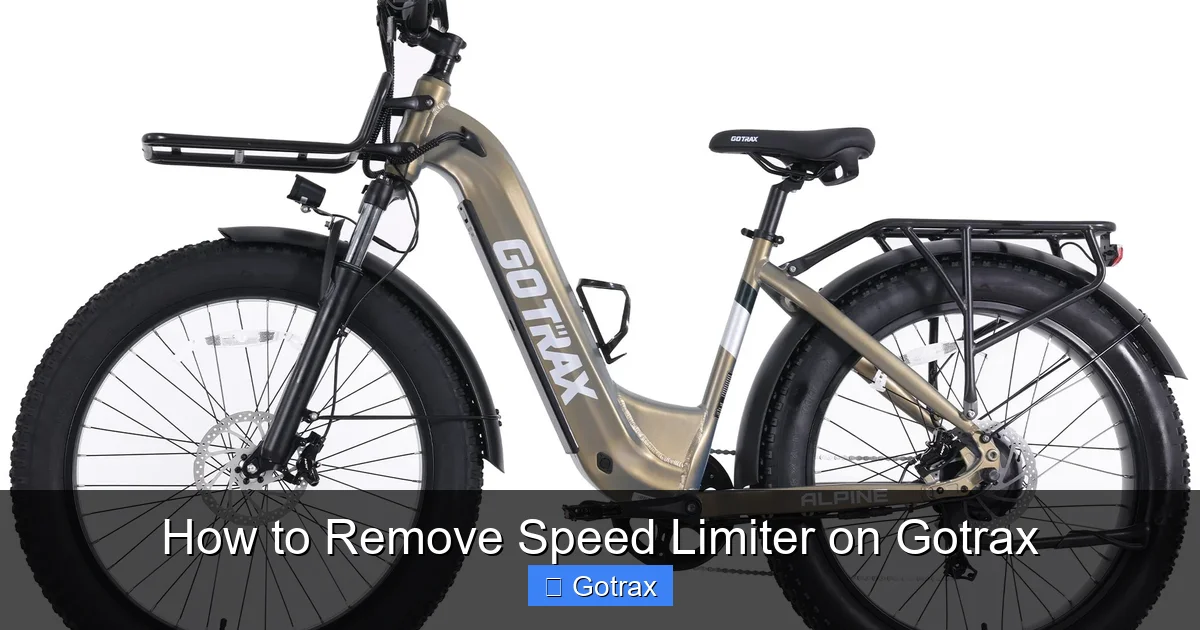
Visual guide about How to Remove Speed Limiter on Gotrax
Image source: gotrax.ca
Most Gotrax models are limited to:
- GXL V2: 15.5 mph
- G4: 18 mph
- GMAX: 18 mph
- XR Elite: 18 mph
These limits are enforced through software, not physical barriers. That means they can often be bypassed—but not without risks. Removing the limiter increases wear on the motor, battery, and brakes. It may also void your warranty or make your scooter illegal in your area.
Before you proceed, ask yourself: Do I really need more speed? Am I prepared for the added responsibility? If yes, read on.
Is It Legal to Remove the Speed Limiter?
Short answer: It depends on where you live.
In the U.S., federal law doesn’t regulate e-scooter speed, but states and cities do. Many jurisdictions limit e-scooters to 20 mph on public roads and require them to have lights, brakes, and sometimes registration. Some cities ban e-scooters entirely from sidewalks or bike lanes.
For example:
- California: E-scooters are limited to 20 mph on roads and 15 mph on bike paths. Helmets are required for riders under 18.
- New York City: E-scooters are allowed in bike lanes but capped at 15 mph. Riding on sidewalks is prohibited.
- Texas: No statewide speed limit, but local rules apply. Helmets recommended but not required for adults.
If your modified Gotrax exceeds local speed limits, you could face fines or have your scooter impounded. Always check your city or county’s transportation website before removing the limiter.
Tools and Software You’ll Need
Most Gotrax speed limiter removals are done via software, not hardware. That means you’ll need a few key tools:
Essential Tools
- Computer (Windows or Mac): Needed to run firmware tools.
- USB to Micro-USB or USB-C cable: To connect your scooter to your computer. Use the original cable if possible.
- Gotrax App (optional): Some models allow speed adjustments through the official app.
- ScooterHacking Utility (SHU): A free, open-source tool that works with many Gotrax models. Download from scooterhacking.org.
- Zip ties and electrical tape: For securing wires if you open the deck.
Optional (Advanced Users)
- Multimeter: To test voltage and connections.
- Soldering iron: Only if attempting hardware mods (not recommended for beginners).
- Replacement controller (rarely needed): In case of firmware corruption.
Make sure your scooter is fully charged before starting. A low battery can cause connection issues or failed flashes.
Method 1: Using the Gotrax App (Easiest)
The Gotrax app is the simplest way to adjust settings on compatible models. Not all scooters support speed limiter removal via the app, but many newer ones do.
Step 1: Download the Gotrax App
Go to the App Store (iOS) or Google Play (Android) and search for “Gotrax.” Download and install the official app.
Step 2: Pair Your Scooter
Turn on your scooter and enable Bluetooth on your phone. Open the app and follow the pairing instructions. You may need to enter a PIN (usually 0000 or 1234).
Step 3: Access Settings
Once connected, tap on your scooter’s name. Look for a “Settings” or “Advanced” tab. Some models show a “Speed Limit” slider or toggle.
Step 4: Adjust or Disable the Limiter
If available, move the slider to the maximum or toggle “Speed Limit” off. The app may warn you about safety risks—acknowledge it to proceed.
Step 5: Save and Test
Tap “Save” or “Apply.” Disconnect the app and take your scooter for a short test ride in a safe, open area. Start slow and gradually increase speed.
Note: This method works best on Gotrax G4, GMAX, and XR Elite models. Older models like the GXL V2 may not support app-based adjustments.
Method 2: Using ScooterHacking Utility (Most Effective)
For models not supported by the Gotrax app, ScooterHacking Utility (SHU) is the go-to tool. It’s free, powerful, and works with many Gotrax, Xiaomi, and Segway scooters.
Step 1: Download and Install SHU
Visit scooterhacking.org and download the latest version of ScooterHacking Utility. It’s available for Windows, macOS, and Linux.
Step 2: Connect Your Scooter
Turn off your scooter. Locate the charging port (usually under the deck or near the stem). Plug in the USB cable and connect it to your computer.
Wait 10–15 seconds for the scooter to enter “firmware mode.” You may see the lights blink or the display turn on briefly.
Step 3: Open SHU and Detect Your Scooter
Launch SHU and click “Connect.” The software should detect your scooter automatically. If not, try reconnecting the cable or restarting the app.
Step 4: Backup Original Firmware
Before making changes, click “Backup” to save your current settings. This is crucial—if something goes wrong, you can restore the original firmware.
Step 5: Adjust Speed Settings
Navigate to the “Speed” or “Limits” tab. You’ll see options like:
- Max Speed (km/h or mph)
- Speed Limit Enable/Disable
- Throttle Response
Set “Max Speed” to your desired value (e.g., 25 mph) or disable the limiter entirely. Be realistic—most Gotrax motors can safely handle up to 22–25 mph with good batteries.
Step 6: Flash the New Settings
Click “Write” or “Flash” to apply the changes. The process takes 10–30 seconds. Do not disconnect the scooter during this time.
Step 7: Disconnect and Test
Once complete, disconnect the cable and turn on your scooter. Take it for a test ride in a safe, controlled environment. Start at low speed and gradually increase.
Tip: If your scooter behaves erratically (e.g., jerky acceleration, shutdowns), reconnect and restore the backup firmware.
Method 3: Hardware Modifications (Not Recommended)
Some riders attempt to remove the speed limiter by cutting wires or modifying the controller. This is risky and can permanently damage your scooter.
Common (But Risky) Hardware Tweaks
- Cutting the speed sensor wire: Some believe this disables the limiter, but it often causes error codes or motor failure.
- Replacing the controller: Installing a higher-performance controller can increase speed, but it’s expensive and may overload the battery.
- Modifying the throttle: Adjusting the potentiometer can trick the scooter into thinking you’re not at full throttle, but results are inconsistent.
We strongly advise against hardware mods unless you’re an experienced technician. Software methods are safer, reversible, and more reliable.
Troubleshooting Common Issues
Even with careful steps, problems can arise. Here’s how to fix the most common ones.
Scooter Won’t Connect to Computer
- Try a different USB cable—some cables only charge, not transfer data.
- Ensure the scooter is off before connecting.
- Restart your computer and try again.
- Check if your OS recognizes the device in Device Manager (Windows) or System Information (Mac).
SHU Doesn’t Detect the Scooter
- Make sure you’re using the correct COM port. In SHU, go to Settings > Port and select the right one.
- Update your USB drivers.
- Try a different USB port on your computer.
Speed Increase Is Minimal or Nonexistent
- Your battery may be low. Charge fully and test again.
- The motor or controller may be overheating. Let it cool down.
- You may have hit the motor’s physical limit. Most Gotrax motors top out around 22–25 mph.
Scooter Shuts Down at High Speed
- This is often due to overcurrent protection. Reduce speed or check for loose connections.
- Ensure the battery is in good condition—old batteries can’t deliver enough power.
Can’t Restore Original Firmware
- Make sure you backed up before flashing.
- If no backup exists, search online for your model’s stock firmware. Communities like Reddit or ScooterHacking forums often share files.
- As a last resort, contact Gotrax support—they may provide firmware, though they won’t endorse modifications.
Safety Tips After Removing the Speed Limiter
With great speed comes great responsibility. Here’s how to stay safe after unlocking your Gotrax.
Wear Proper Gear
- Helmet: Always wear a certified helmet. At higher speeds, head injuries are more severe.
- Knee and elbow pads: Protect joints in case of a fall.
- Gloves: Improve grip and protect hands.
- Reflective clothing: Increases visibility, especially at night.
Upgrade Your Brakes
Most Gotrax scooters have basic mechanical disc or foot brakes. At 20+ mph, these may not stop you quickly enough.
- Consider upgrading to hydraulic disc brakes if your model allows.
- Practice emergency stops in a safe area.
- Always brake gradually—sudden stops can cause fishtailing.
Check Tire Pressure and Condition
Underinflated or worn tires reduce grip and increase stopping distance. Check pressure weekly and replace tires when tread is low.
Ride Defensively
- Assume cars and pedestrians don’t see you.
- Use hand signals when turning.
- Avoid wet, gravel, or uneven surfaces—higher speeds amplify risks.
Monitor Battery and Motor Temperature
Pushing your scooter beyond factory limits generates more heat. If the motor feels hot or the battery drains unusually fast, reduce speed or stop riding.
How to Revert Changes (Restore the Speed Limiter)
Changed your mind? Want to sell your scooter? Here’s how to restore the original settings.
Using SHU
- Reconnect your scooter to the computer.
- Open SHU and click “Connect.”
- Go to the backup file you saved earlier.
- Click “Restore” or “Flash Backup.”
- Wait for the process to complete, then disconnect.
Using the Gotrax App
If you used the app to disable the limiter, simply reopen it, go to settings, and re-enable the speed limit or reset to default.
Factory Reset (Last Resort)
Some models allow a factory reset by holding the power button for 10+ seconds. Check your user manual for instructions. Note: This may not restore firmware-level limits.
Final Thoughts: Is It Worth It?
Removing the speed limiter on your Gotrax can make your rides faster and more exciting. But it’s not without trade-offs. You risk voiding your warranty, damaging your scooter, or breaking local laws.
If you decide to proceed, use the software method, back up your settings, and ride safely. Start slow, wear protective gear, and always be aware of your surroundings.
Remember: Speed is fun, but safety is forever. Enjoy your upgraded Gotrax—responsibly.