
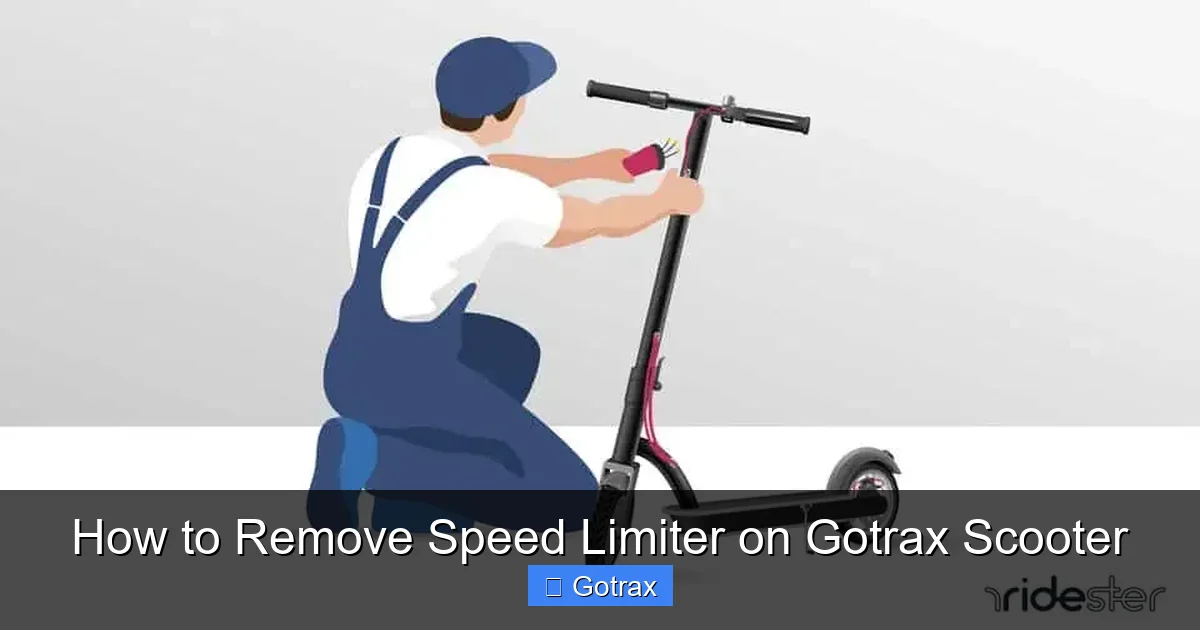
This guide walks you through how to remove the speed limiter on a Gotrax scooter using safe, tested methods. You’ll learn about firmware updates, hardware mods, and legal considerations to ride faster—without voiding your warranty or risking safety.
Key Takeaways
- Understand why Gotrax includes speed limiters: Safety, legal compliance, and battery protection are the main reasons manufacturers limit top speeds.
- Removing the limiter may void your warranty: Modifying your scooter can cancel Gotrax’s warranty, so proceed with caution.
- Use official firmware updates first: Some newer Gotrax models allow speed adjustments via the official app—always check this before attempting hardware changes.
- Hardware modifications require technical skill: Cutting wires or replacing controllers should only be done if you’re experienced with electronics.
- Always wear safety gear: Higher speeds increase risk—helmets, pads, and visibility gear are essential after removing the limiter.
- Know your local laws: Many areas classify faster e-scooters as motor vehicles, requiring registration, insurance, or licensing.
- Monitor battery and motor health: Increased speed drains the battery faster and may overheat the motor—regular checks are crucial.
How to Remove Speed Limiter on Gotrax Scooter
If you’ve been riding your Gotrax scooter and feeling like it’s holding back, you’re not alone. Many riders want to know how to remove the speed limiter on a Gotrax scooter to unlock faster speeds and a more thrilling ride. Gotrax designs its scooters with built-in speed restrictions—usually capping out at 15 mph (24 km/h)—for safety, battery efficiency, and legal compliance. But if you’re an experienced rider looking for more performance, there are ways to bypass these limits.
This comprehensive guide will walk you through the most effective and safe methods to remove or disable the speed limiter on your Gotrax scooter. We’ll cover software-based solutions, hardware modifications, safety tips, legal considerations, and troubleshooting. Whether you own a Gotrax GXL, G4, G2, or another model, this guide applies to most electric scooters in the Gotrax lineup.
By the end of this article, you’ll know exactly what steps to take, what risks to avoid, and how to enjoy a faster ride responsibly.
Why Does Gotrax Limit Speed?
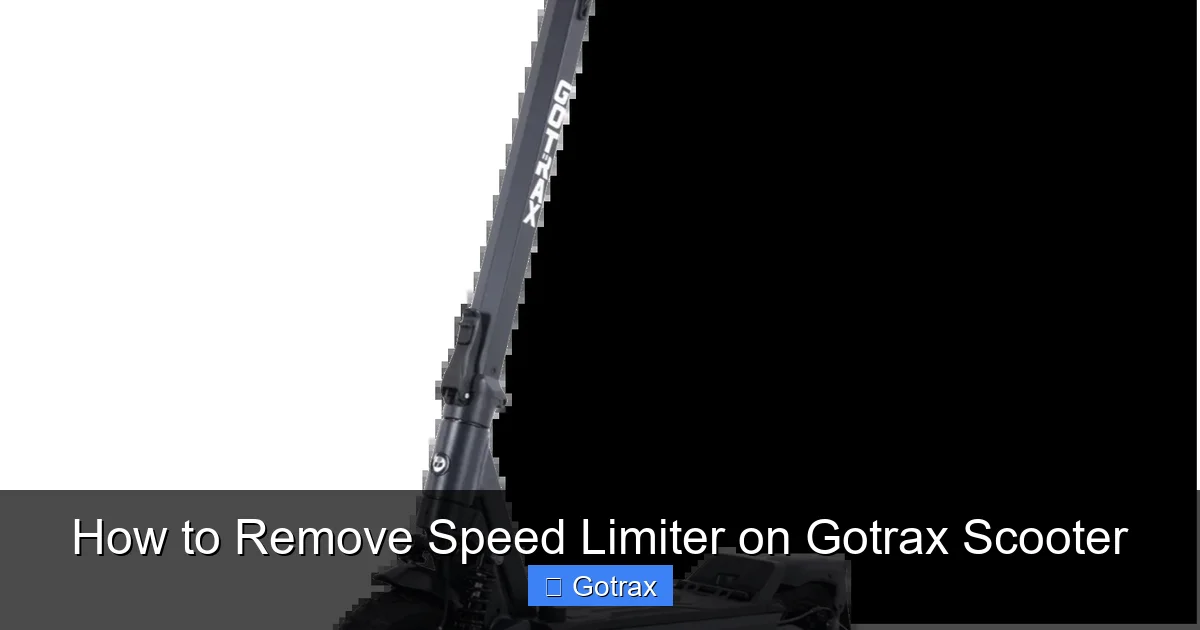
Visual guide about How to Remove Speed Limiter on Gotrax Scooter
Image source: gotrax.ca
Before diving into how to remove the speed limiter, it’s important to understand why Gotrax includes it in the first place. Speed limiters aren’t just arbitrary restrictions—they serve several key purposes:
- Safety: New riders, especially younger users, benefit from lower top speeds that reduce the risk of accidents.
- Battery Life: Slower speeds conserve battery, allowing for longer rides on a single charge.
- Legal Compliance: In many U.S. states and countries, e-scooters are legally limited to 15–20 mph. Exceeding these speeds may classify your scooter as a motor vehicle.
- Motor and Component Protection: Running at high speeds continuously can overheat the motor and strain the drivetrain.
Gotrax designs its scooters with these factors in mind. But if you’re an experienced rider in a low-traffic area with good conditions, you may feel ready for more speed.
Check Your Model and Firmware First
Not all Gotrax scooters are created equal. Some newer models come with app connectivity and firmware that allow for speed adjustments—without any hardware tinkering.
Step 1: Identify Your Gotrax Model
Start by checking the label on your scooter’s deck or stem. Common models include:
- Gotrax GXL V2
- Gotrax G4
- Gotrax G2
- Gotrax XR Elite
- Gotrax Apex
Each model has slightly different electronics and limiter systems.
Step 2: Download the Gotrax App
Gotrax offers a free mobile app (available on iOS and Android) that connects to compatible scooters via Bluetooth. If your model supports it, you may be able to adjust speed settings directly.
To check:
- Download the “Gotrax” app from your app store.
- Turn on your scooter and enable Bluetooth on your phone.
- Open the app and follow the pairing instructions.
- Navigate to “Settings” or “Performance” to see if speed limit options are available.
Tip: Some users report that firmware updates via the app can unlock higher speed modes. Make sure your scooter’s firmware is up to date.
Step 3: Perform a Firmware Update
If the app shows a firmware update is available, install it. In rare cases, Gotrax releases updates that increase performance or remove restrictions for certain regions.
To update:
- Keep your scooter charged above 50%.
- Stay close to your phone during the update.
- Do not turn off the scooter until the update completes.
After updating, test your top speed. You might be surprised—some users have gained 2–3 mph just from a firmware refresh.
Method 1: The “Kick Start” Bypass (Software Trick)
One of the most popular and non-invasive ways to remove the speed limiter on Gotrax scooters is the “kick start” method. This trick tricks the scooter’s controller into thinking it’s already moving, allowing it to reach higher speeds.
Note: This method works best on older Gotrax models like the GXL V1 and G2. Newer models with updated firmware may not respond.
Step-by-Step Kick Start Method
- Turn off your scooter. Make sure it’s completely powered down.
- Press and hold the throttle. Keep it fully pressed.
- Turn the scooter on while still holding the throttle. You’ll hear a beep or see lights flash.
- Wait 5–10 seconds, then release the throttle.
- Kick start the scooter manually. Push off with your foot to get moving.
- Once moving, gently apply throttle. The scooter should now accelerate beyond the usual 15 mph limit.
Example: A user with a Gotrax GXL V1 reported reaching 18–19 mph using this method on flat ground.
Tips for Success
- Try this on a flat, smooth surface with no traffic.
- If it doesn’t work the first time, repeat the process.
- Some users say holding the brake while turning on helps—experiment carefully.
Limitations
This method is temporary. The limiter may reset after turning the scooter off and on again. It also doesn’t work on all models, especially those with newer controllers.
Method 2: Disconnecting the Speed Sensor (Hardware Mod)
For more permanent results, some riders disconnect the speed sensor—a small wire that tells the controller how fast the wheel is spinning. When disconnected, the controller can’t enforce the speed limit.
Warning: This method involves opening your scooter and may void your warranty. Proceed only if you’re comfortable with basic electronics.
Step 1: Gather Your Tools
You’ll need:
- Phillips screwdriver
- Small flathead screwdriver
- Electrical tape or wire caps
- Flashlight
Step 2: Locate the Speed Sensor
The speed sensor is usually found near the rear wheel hub. It’s a thin wire (often green or white) that connects to the motor or controller.
To access it:
- Turn off and unplug the scooter.
- Remove the deck plate by unscrewing the screws underneath.
- Look for a small sensor wire leading from the rear wheel area to the main controller.
Step 3: Disconnect the Sensor
- Carefully unplug the speed sensor connector.
- Wrap the exposed ends with electrical tape to prevent shorts.
- Reassemble the deck plate.
Step 4: Test the Scooter
Turn on the scooter and take it for a test ride. You should notice:
- Higher top speed (often 18–22 mph depending on model and battery).
- No speed “cut-off” at 15 mph.
- Possible error codes or reduced regenerative braking (on some models).
Tip: Some users report that the scooter behaves more smoothly after disconnecting the sensor, while others notice increased battery drain.
Reversing the Mod
To restore the speed limiter:
- Open the deck again.
- Reconnect the speed sensor.
- Secure all wires and reassemble.
This method is reversible, so you can switch back if needed.
Method 3: Replacing the Controller (Advanced)
For maximum speed and performance, some enthusiasts replace the stock controller with a higher-powered aftermarket unit. This is the most effective but also the most complex method.
Why Upgrade the Controller?
The controller regulates power from the battery to the motor. Gotrax uses conservative controllers to protect components. Upgrading allows:
- Higher top speeds (up to 25+ mph).
- Better acceleration.
- Improved hill-climbing ability.
Step 1: Choose a Compatible Controller
Look for a 36V or 48V controller (match your scooter’s voltage) with at least 20A output. Popular brands include:
- Kelly Controllers
- Infineon
- Golden Motors
Important: Ensure the connector types match your motor and battery.
Step 2: Disconnect the Battery
Safety first:
- Turn off the scooter.
- Locate the main battery connector (usually under the deck).
- Disconnect it to prevent accidental shorts.
Step 3: Remove the Old Controller
- Unscrew the controller housing.
- Disconnect all wires (motor, throttle, brake, battery).
- Take photos before disconnecting to remember wire colors and positions.
Step 4: Install the New Controller
- Connect the new controller using the same wire layout.
- Secure it in place with zip ties or mounting brackets.
- Reconnect the battery.
Step 5: Test and Calibrate
Turn on the scooter and test in a safe area. Some controllers require calibration via a programming card or app.
Warning: Incorrect wiring can damage the motor or battery. If unsure, consult a professional.
Safety Considerations
Removing the speed limiter increases risk. Here’s how to stay safe:
Wear Protective Gear
- Helmet: Always wear a certified bike or motorcycle helmet.
- Knee and elbow pads: Protect against falls at higher speeds.
- Reflective clothing: Increases visibility, especially at night.
Inspect Your Scooter Regularly
Higher speeds stress components. Check:
- Tire pressure and tread.
- Brake function (disc or drum).
- Battery health and connections.
- Motor temperature after long rides.
Avoid Wet or Rough Surfaces
Faster speeds reduce traction and increase stopping distance. Avoid puddles, gravel, and steep hills.
Legal and Warranty Implications
Warranty Voidance
Modifying your scooter—especially opening it or replacing parts—will likely void Gotrax’s warranty. If your scooter breaks down, you may not receive free repairs or replacements.
Legal Restrictions
In many places, e-scooters over 20 mph are classified as motor vehicles. This may require:
- Registration
- License
- Insurance
- Helmet laws
Check your local Department of Motor Vehicles (DMV) or transportation authority for rules.
Example: In California, e-scooters are limited to 15 mph on bike paths. Exceeding this can result in fines.
Troubleshooting Common Issues
Scooter Won’t Start After Mod
- Check all connections—especially battery and controller.
- Ensure the speed sensor is properly disconnected or reconnected.
- Reset the scooter by turning it off for 10 minutes.
Reduced Range or Battery Drain
Higher speeds consume more power. Expect 20–30% less range. Consider upgrading to a higher-capacity battery if needed.
Motor Overheating
If the motor feels hot after short rides:
- Reduce speed or take breaks.
- Check for obstructions in the wheel or motor.
- Ensure proper ventilation.
Erratic Throttle Response
This can happen after controller changes. Try recalibrating the throttle or checking wire connections.
Alternative: Use a Speed Booster App (Unofficial)
Some third-party apps claim to boost Gotrax scooter speed via Bluetooth. These are risky and often unreliable.
Risks of Unofficial Apps
- May damage firmware.
- Could brick your scooter’s controller.
- Privacy concerns—apps may collect data.
We recommend avoiding these unless from a trusted developer with verified user reviews.
Conclusion
Learning how to remove the speed limiter on a Gotrax scooter can unlock a faster, more exciting ride—but it comes with responsibilities. Start with the least invasive methods, like the kick start trick or app updates. If you’re comfortable with electronics, disconnecting the speed sensor offers a permanent solution. For maximum performance, consider a controller upgrade, but only if you have the skills.
Always prioritize safety, respect local laws, and monitor your scooter’s condition. Remember: speed is fun, but control and caution keep you riding longer.
Whether you’re commuting, cruising, or just having fun, a faster Gotrax can enhance your experience—when done right.