
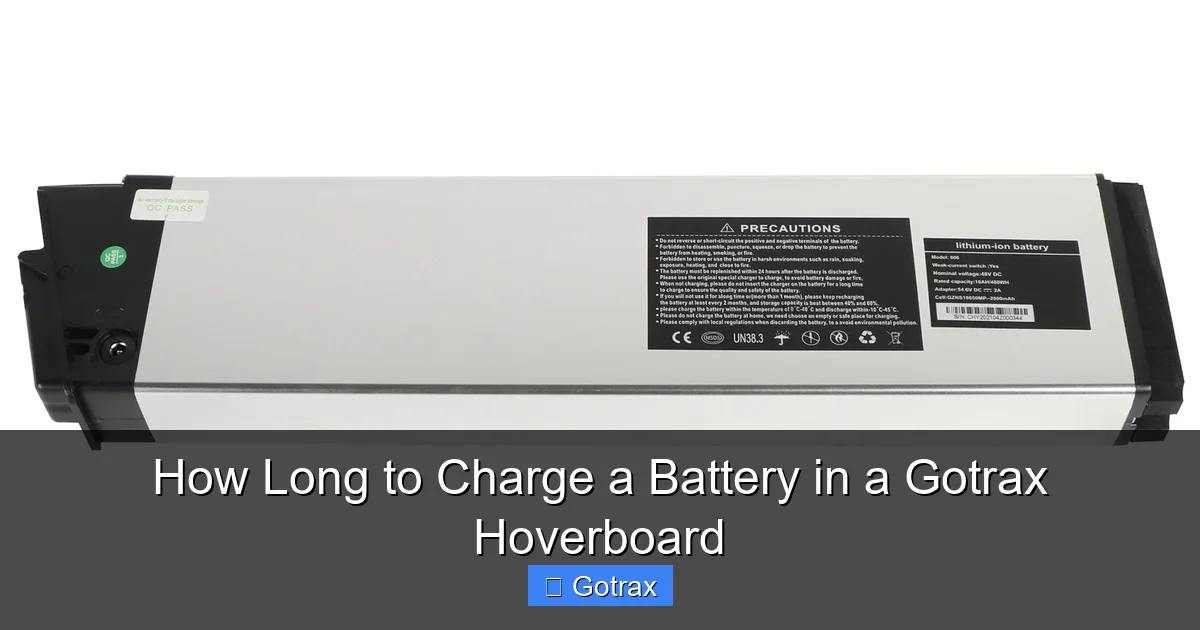
Charging your Gotrax hoverboard correctly ensures maximum battery life and ride time. Most models take 3–6 hours to fully charge, depending on the battery capacity and charger type. Following proper charging habits helps avoid overcharging and extends overall battery health.
So, you just got your shiny new Gotrax hoverboard—congrats! Whether you’re zipping around the neighborhood, commuting to work, or just having fun with friends, one thing you’ll quickly realize is that battery life is everything. And that brings up a very common question: *How long does it actually take to charge a battery in a Gotrax hoverboard?*
The short answer? Most Gotrax hoverboards take between **3 to 6 hours** to fully charge, depending on the model and battery size. But there’s more to it than just plugging it in and waiting. Charging your hoverboard the right way can make a huge difference in how long it lasts, how well it performs, and how many miles you can ride on a single charge.
In this guide, we’ll walk you through everything you need to know about charging your Gotrax hoverboard—from how long it takes, to the best practices for battery care, troubleshooting common issues, and even tips to extend your hoverboard’s lifespan. Whether you’re a first-time rider or a seasoned hoverboard enthusiast, this article will help you get the most out of your ride.
Let’s dive in.
Key Takeaways
- Standard charging time: Most Gotrax hoverboards take between 3 to 6 hours to fully charge from empty to 100%.
- Battery type matters: Gotrax uses lithium-ion batteries, which charge faster and last longer than older battery technologies.
- Use the right charger: Always use the original Gotrax charger to prevent damage and ensure safe, efficient charging.
- Avoid overcharging: Unplug the hoverboard once fully charged to preserve battery lifespan and prevent overheating.
- Charge in a cool, dry place: Extreme temperatures can damage the battery and slow down charging speed.
- Partial charges are fine: You don’t need to drain the battery completely before recharging—topping it off regularly is actually better.
- Monitor LED indicators: The charging light turns from red to green when the battery is fully charged—don’t ignore this signal.
📑 Table of Contents
Understanding Gotrax Hoverboard Batteries
Before we get into charging times, it helps to understand what kind of battery powers your Gotrax hoverboard. Gotrax uses **lithium-ion (Li-ion) batteries**, which are the same type found in smartphones, laptops, and electric vehicles. These batteries are lightweight, energy-dense, and rechargeable—making them ideal for personal mobility devices like hoverboards.
Lithium-ion batteries have several advantages over older battery types like lead-acid or nickel-cadmium. They charge faster, hold a charge longer, and don’t suffer from the “memory effect” (where batteries lose capacity if not fully discharged before recharging). That means you can top off your Gotrax battery anytime without worrying about reducing its lifespan.
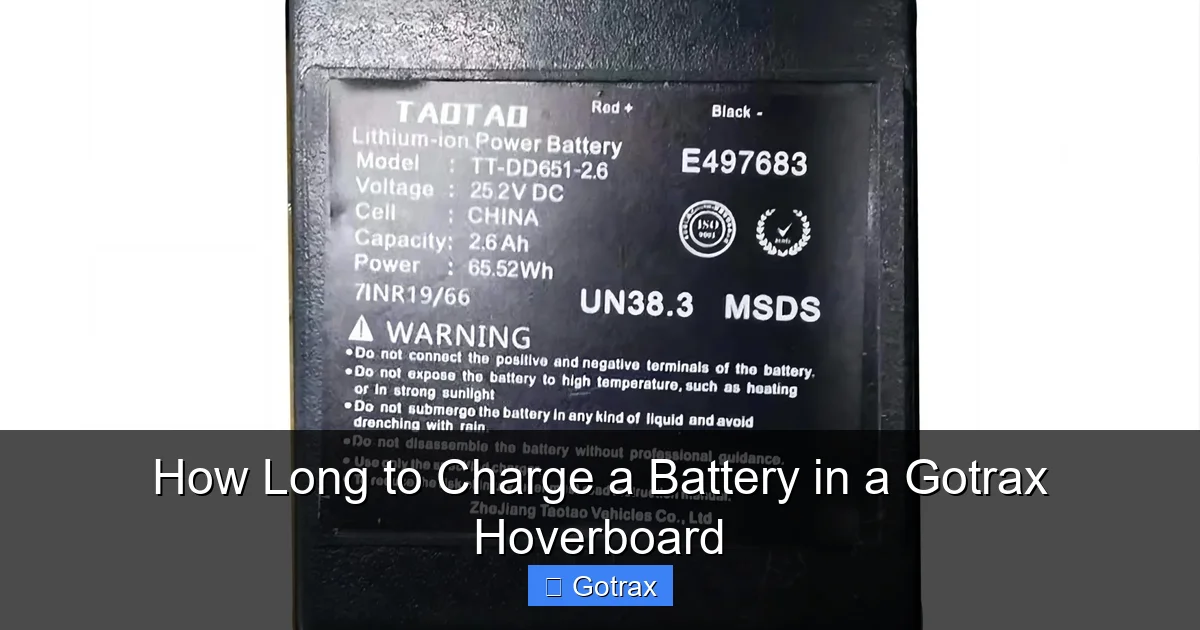
Most Gotrax hoverboards come with batteries ranging from **36V to 48V**, with capacities between **4.4Ah and 8.8Ah**. The higher the voltage and ampere-hour (Ah) rating, the longer the hoverboard can run on a single charge—and the longer it may take to recharge.
For example, the popular Gotrax GXL V2 has a 36V 4.4Ah battery, while the Gotrax G4 and GMAX models feature larger 48V 8.8Ah batteries. Naturally, the bigger the battery, the more time it needs to charge. But even with larger batteries, Gotrax designs its chargers to deliver efficient power without overheating.
It’s also worth noting that lithium-ion batteries degrade over time. After hundreds of charge cycles, their capacity slowly decreases. That’s why proper charging habits are so important—they help slow down this natural aging process and keep your hoverboard running strong for years.
How Long Does It Take to Charge a Gotrax Hoverboard?
Visual guide about How Long to Charge a Battery in a Gotrax Hoverboard
Image source: gotrax.com
Now, let’s get to the heart of the matter: *How long to charge a battery in a Gotrax hoverboard?* The answer isn’t one-size-fits-all, but here’s a general breakdown based on popular models:
– **Gotrax GXL V2 (36V 4.4Ah):** Approximately **3 to 4 hours** to fully charge.
– **Gotrax G2 (36V 4.4Ah):** Around **3 to 4 hours**.
– **Gotrax G4 (48V 8.8Ah):** Roughly **5 to 6 hours**.
– **Gotrax GMAX (48V 8.8Ah):** About **5 to 6 hours**.
These times assume you’re charging from a completely dead battery (0%) to full (100%). If your hoverboard still has some charge—say, 50%—then you’ll only need half the time, or about 1.5 to 3 hours depending on the model.
Charging speed also depends on the charger’s output. Gotrax hoverboards come with a standard 2A or 3A charger, which is designed to safely deliver power without overloading the battery. Using a higher-amp charger (like one from another device) might seem like a shortcut, but it can actually damage the battery or cause overheating. Stick with the original Gotrax charger for the best results.
Another factor is the ambient temperature. Charging in very hot or cold environments can slow down the process. Ideally, charge your hoverboard in a room-temperature environment (around 68°F to 77°F or 20°C to 25°C). Cold temperatures can reduce battery efficiency, while heat can trigger safety mechanisms that pause charging to prevent damage.
Charging Time by Model: A Quick Reference
To make things easier, here’s a quick reference guide for charging times across popular Gotrax models:
– **Gotrax GXL V2:** 3–4 hours
– **Gotrax G2:** 3–4 hours
– **Gotrax G3:** 4–5 hours (48V 6.6Ah)
– **Gotrax G4:** 5–6 hours
– **Gotrax GMAX:** 5–6 hours
Keep in mind that these are estimates. Actual charging time may vary slightly based on battery age, charger condition, and environmental factors.
What the Charging Light Means
Gotrax hoverboards come with a simple LED charging indicator that tells you the status of your battery:
– **Red light:** The battery is charging.
– **Green light:** The battery is fully charged.
– **No light or blinking light:** There may be an issue with the charger, battery, or connection.
When you plug in your hoverboard, the light should turn red immediately. If it doesn’t, check that the charger is securely connected and that the outlet is working. Once the battery reaches 100%, the light switches to green. At this point, it’s best to unplug the charger to avoid overcharging.
Some users worry that leaving the hoverboard plugged in after it’s fully charged will damage the battery. While modern lithium-ion batteries have built-in protection circuits that prevent overcharging, it’s still a good habit to unplug once the green light appears. This helps preserve battery health over time.
Best Practices for Charging Your Gotrax Hoverboard
Visual guide about How Long to Charge a Battery in a Gotrax Hoverboard
Image source: static-data2.manualslib.com
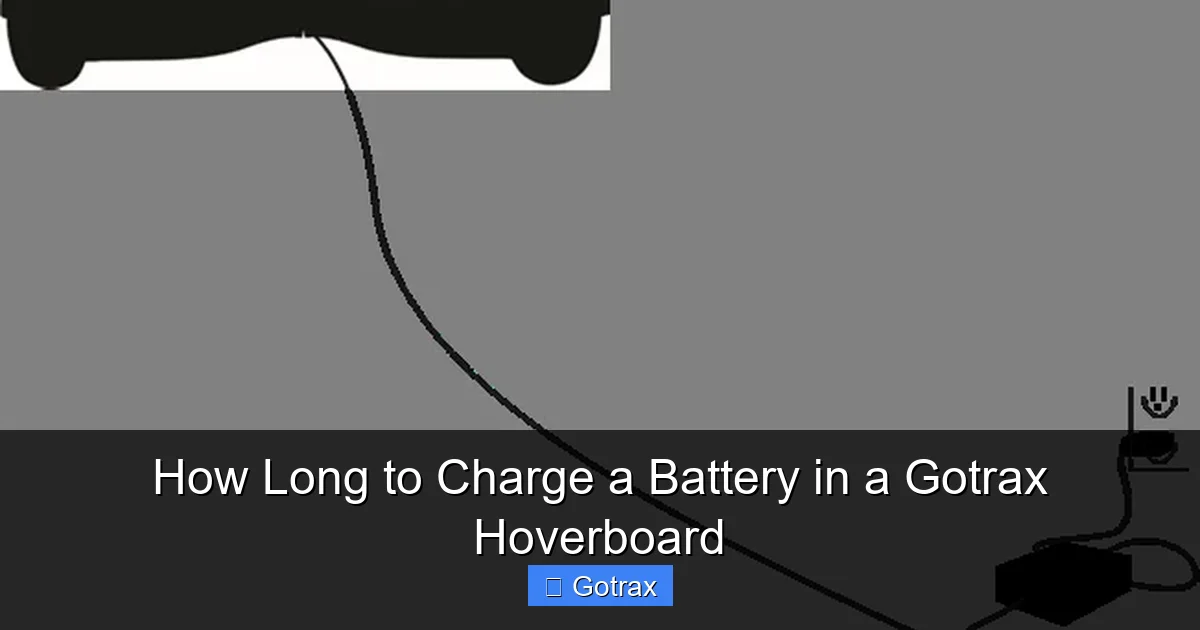
Charging your hoverboard isn’t just about plugging it in and waiting. Following a few simple best practices can help extend battery life, improve performance, and keep your rides safe.
1. Use the Original Charger
Always use the charger that came with your Gotrax hoverboard. These chargers are specifically designed to match the voltage and current requirements of your battery. Using a third-party or incompatible charger can lead to undercharging, overcharging, or even battery failure.
If you’ve lost your original charger, make sure to buy a replacement from Gotrax or an authorized retailer. Check the voltage (e.g., 36V or 48V) and amperage (e.g., 2A or 3A) to ensure compatibility.
2. Charge in a Safe, Dry Location
Never charge your hoverboard on a wet surface, near water, or in extreme temperatures. Moisture can cause electrical shorts, while high heat can damage the battery. Avoid charging in direct sunlight or in a hot car—especially during summer.
Instead, charge your hoverboard indoors in a cool, dry place with good ventilation. Keep it away from flammable materials and out of reach of children and pets.
3. Don’t Overcharge
While modern hoverboards have safety features to prevent overcharging, it’s still wise to unplug once the battery is full. Leaving it plugged in for hours after the green light appears can generate excess heat and stress the battery over time.
A good rule of thumb: unplug the charger as soon as the light turns green. If you’re charging overnight, consider using a smart plug with a timer to automatically cut power after 6 hours.
4. Avoid Deep Discharges
Lithium-ion batteries prefer partial charges over full discharges. In other words, you don’t need to wait until the battery is completely dead before recharging. In fact, it’s better to top it off regularly—say, when it drops to 20–30%.
Deep discharges (going from 100% to 0%) can strain the battery and shorten its lifespan. Try to recharge your hoverboard after each use or when the battery level gets low.
5. Store with a Partial Charge
If you’re not going to use your hoverboard for a week or more, don’t store it with a full or empty battery. Lithium-ion batteries degrade faster when stored at extreme charge levels.
Instead, charge it to about **50–60%** before storing. This reduces stress on the battery and helps maintain its health during long periods of inactivity.
6. Keep the Charging Port Clean
Dust, dirt, and debris can accumulate in the charging port, leading to poor connections and slow charging. Use a dry toothbrush or compressed air to gently clean the port every few weeks.
Avoid using water or cleaning solutions, as they can cause corrosion or short circuits.
Troubleshooting Common Charging Issues
Even with proper care, you might run into charging problems from time to time. Here are some common issues and how to fix them.
Hoverboard Won’t Charge
If your hoverboard isn’t charging at all, check the following:
– Is the charger plugged in securely at both ends?
– Is the outlet working? Try plugging in another device.
– Is the charging port clean and free of debris?
– Is the charger damaged (frayed wires, bent pins)?
If everything looks fine but it still won’t charge, the battery or charger may be faulty. Contact Gotrax customer support for assistance.
Charging Light Won’t Turn Red
If the light doesn’t turn red when you plug in, the charger may not be delivering power. Try a different outlet or test the charger with a multimeter. If the charger is dead, replace it with an official Gotrax model.
Charging Takes Too Long
If your hoverboard is taking much longer than usual to charge, the battery may be aging or damaged. Lithium-ion batteries lose capacity over time, especially after 300–500 charge cycles.
You can also check if the charger is underpowered or if the ambient temperature is too cold. Move to a warmer room and use the correct charger.
Battery Drains Quickly After Charging
If your hoverboard runs out of power faster than expected, even after a full charge, the battery may be nearing the end of its life. Other causes include riding on rough terrain, carrying heavy loads, or using high-speed modes frequently.
Consider getting the battery tested or replaced if the issue persists.
How to Extend Battery Life and Performance
Taking care of your hoverboard’s battery isn’t just about charging—it’s about how you use and maintain it over time. Here are some tips to keep your battery healthy and your rides smooth.
Ride Responsibly
Aggressive riding—like sudden accelerations, hard braking, and high-speed turns—drains the battery faster. Smooth, steady riding conserves energy and extends range.
Also, avoid riding on steep hills or rough surfaces unless your model is designed for it. The G4 and GMAX are built for off-road use, but the GXL and G2 perform best on flat, smooth pavement.
Check Tire Pressure
Underinflated tires increase rolling resistance, which means the motor has to work harder and uses more battery. Check the tire pressure regularly and inflate to the recommended PSI (usually printed on the tire sidewall).
Keep It Clean
Dirt, mud, and water can damage internal components, including the battery and motor. After riding, wipe down your hoverboard with a damp cloth and dry it thoroughly. Avoid pressure washers or submerging it in water.
Update Firmware (If Available)
Some Gotrax models receive firmware updates that improve battery management and performance. Check the Gotrax website or app (if applicable) for updates and follow the instructions to install them.
Replace the Battery When Needed
Even with the best care, batteries eventually wear out. If your hoverboard’s range has dropped significantly (e.g., from 12 miles to 5 miles), it may be time for a replacement.
Gotrax offers replacement batteries for most models. Make sure to buy a genuine part and follow installation instructions carefully—or have it done by a professional.
Conclusion
So, how long to charge a battery in a Gotrax hoverboard? For most models, it’s **3 to 6 hours**, depending on the battery size and charger. But charging time is just one part of the equation. To get the most out of your hoverboard, you need to charge it properly, maintain it well, and ride responsibly.
By using the original charger, avoiding overcharging, keeping the battery clean, and storing it correctly, you can extend its lifespan and enjoy longer, more reliable rides. Remember, a well-cared-for battery not only lasts longer but also performs better—giving you more speed, range, and fun.
Whether you’re commuting to work, cruising around campus, or just having fun with friends, your Gotrax hoverboard is designed to keep up with your lifestyle. Treat it right, and it’ll take you far—literally and figuratively.
So plug it in, charge it up, and get ready to roll. Just don’t forget to unplug when that green light comes on!
Frequently Asked Questions
How long does it take to charge a Gotrax hoverboard for the first time?
The first charge should take the same amount of time as a regular charge—usually 3 to 6 hours depending on the model. There’s no need for a “break-in” charge, but make sure to use the original charger and charge in a safe location.
Can I leave my Gotrax hoverboard charging overnight?
It’s not recommended. While the battery has overcharge protection, leaving it plugged in for extended periods can generate heat and reduce battery lifespan. Unplug once the green light appears.
Why is my Gotrax hoverboard charging so slowly?
Slow charging could be due to a faulty charger, cold temperatures, or an aging battery. Try using the original charger in a warm room. If the problem persists, the battery may need replacement.
Can I use a different charger for my Gotrax hoverboard?
No, always use the charger that came with your hoverboard or an official Gotrax replacement. Using an incompatible charger can damage the battery or cause safety hazards.
How often should I charge my Gotrax hoverboard?
You can charge it after every use or when the battery drops below 20–30%. Partial charges are better for lithium-ion batteries than full discharges.
What should I do if my hoverboard won’t hold a charge?
First, check the charger and connections. If those are fine, the battery may be worn out. Contact Gotrax support or consider replacing the battery with a genuine part.