
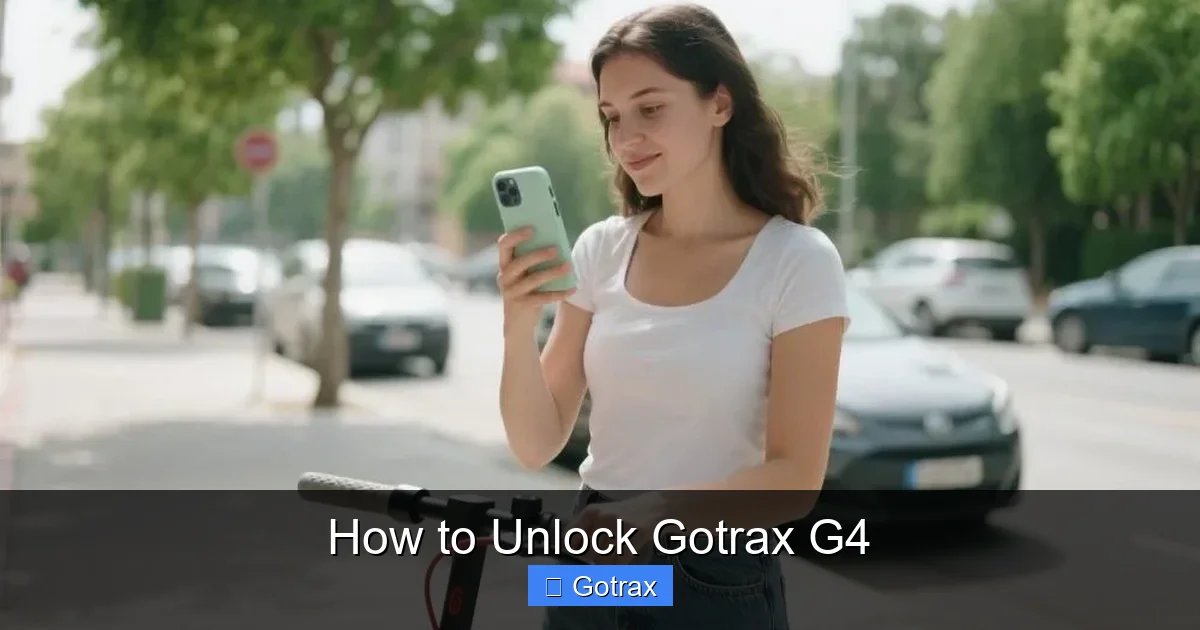
This guide walks you through how to unlock Gotrax G4 scooters using official and alternative methods. Whether you’re a new rider or troubleshooting an issue, you’ll find clear instructions and expert tips to get rolling fast.
Key Takeaways
- Understand the Gotrax G4 lock system: The Gotrax G4 uses a digital lock activated via the display panel and power button. Knowing how it works is the first step to unlocking it.
- Use the standard unlock method first: Press and hold the power button for 3–5 seconds until the display lights up and the scooter beeps—this is the most common way to unlock.
- Check battery level before unlocking: A low or dead battery can prevent the scooter from unlocking. Charge it fully if the screen remains blank.
- Reset the scooter if it won’t unlock: Perform a hard reset by holding the power button for 10–15 seconds to reboot the system.
- Use the Gotrax app for advanced control: Download the official Gotrax app to unlock, track rides, and customize settings via Bluetooth.
- Contact customer support if issues persist: If the scooter remains locked after troubleshooting, reach out to Gotrax support with your model and serial number.
- Prevent future lock issues: Keep the battery charged, update firmware, and avoid exposing the scooter to extreme temperatures.
How to Unlock Gotrax G4: A Complete Step-by-Step Guide
So, you’ve just unboxed your brand-new Gotrax G4 electric scooter—or maybe you’re returning to it after a long day—and you’re ready to ride. But when you press the power button, nothing happens. The screen stays dark. The wheels don’t spin. You’re stuck. Don’t worry—this is a common issue, and it usually means your scooter is locked.
In this comprehensive guide, we’ll walk you through how to unlock Gotrax G4 scooters safely and efficiently. Whether you’re a first-time rider or a seasoned commuter, we’ll cover every method—from the basic power-on sequence to advanced app-based unlocking and troubleshooting tips. By the end, you’ll know exactly what to do when your Gotrax G4 won’t unlock, and how to prevent it from happening again.
Let’s get rolling.
Understanding the Gotrax G4 Lock System
Before we dive into the steps, it’s important to understand how the Gotrax G4’s locking system works. Unlike traditional scooters with physical keys, the Gotrax G4 uses a digital locking mechanism controlled by its onboard computer and display panel.
When the scooter is “locked,” it means the motor is disabled, and the display may be off or showing a lock icon. This is a safety feature designed to prevent accidental activation—especially important if the scooter is stored or transported. The lock engages automatically when the scooter is powered off, and it must be disengaged before you can ride.
The unlock process typically involves pressing and holding the power button, but there are nuances depending on the scooter’s battery level, firmware, and whether it’s connected to the Gotrax app. We’ll explore all these scenarios.
Method 1: Standard Unlock Using the Power Button
The most common and straightforward way to unlock your Gotrax G4 is by using the power button on the handlebar. Here’s how to do it step by step.
Step 1: Locate the Power Button
The power button is a small, circular button located on the left side of the handlebar, near the display screen. It’s usually marked with a power symbol (a circle with a vertical line). Make sure you’re pressing the correct button—some riders confuse it with the brake lever or bell.
Step 2: Press and Hold the Power Button
Press and hold the power button for 3 to 5 seconds. You should see the display screen light up. If the battery has charge, the screen will show the battery level, speedometer, and other indicators. You may also hear a short beep, which confirms the scooter is powered on and unlocked.
Step 3: Confirm the Scooter is Unlocked
Once the screen is on, gently twist the throttle (the right-hand grip) to test if the motor engages. If the scooter accelerates, it’s successfully unlocked. If nothing happens, the scooter may still be in lock mode or have a low battery.
Tips for Success
- Make sure you’re pressing the button firmly and holding it long enough—rushing can cause the scooter to not register the command.
- If the screen flashes or shows an error code, note it down for troubleshooting.
- Always stand clear of the scooter when testing the throttle for the first time.
Method 2: Unlocking with a Low or Dead Battery
One of the most common reasons the Gotrax G4 won’t unlock is a low or dead battery. The scooter requires a minimum charge to power the display and motor controller. If the battery is below 10%, the scooter may not respond to the power button.
Step 1: Check the Battery Level
If the screen is completely dark and unresponsive, the battery is likely drained. Plug the scooter into the charger using the included charging cable. The charging port is located near the rear wheel, under a rubber flap.
Step 2: Charge for at Least 2 Hours
Even if the battery indicator shows a small charge, it’s best to charge the scooter for at least 2 hours before attempting to unlock it. The Gotrax G4 has a 36V lithium-ion battery that takes about 4–6 hours to fully charge, but a partial charge is often enough to power the system.
Step 3: Try Unlocking Again
After charging, press and hold the power button again. If the screen lights up and the scooter beeps, you’ve successfully unlocked it. If not, proceed to the next method.
Pro Tip
Use a timer or smart plug to avoid overcharging. While the Gotrax G4 has built-in protection against overcharging, it’s still best practice to unplug once fully charged.
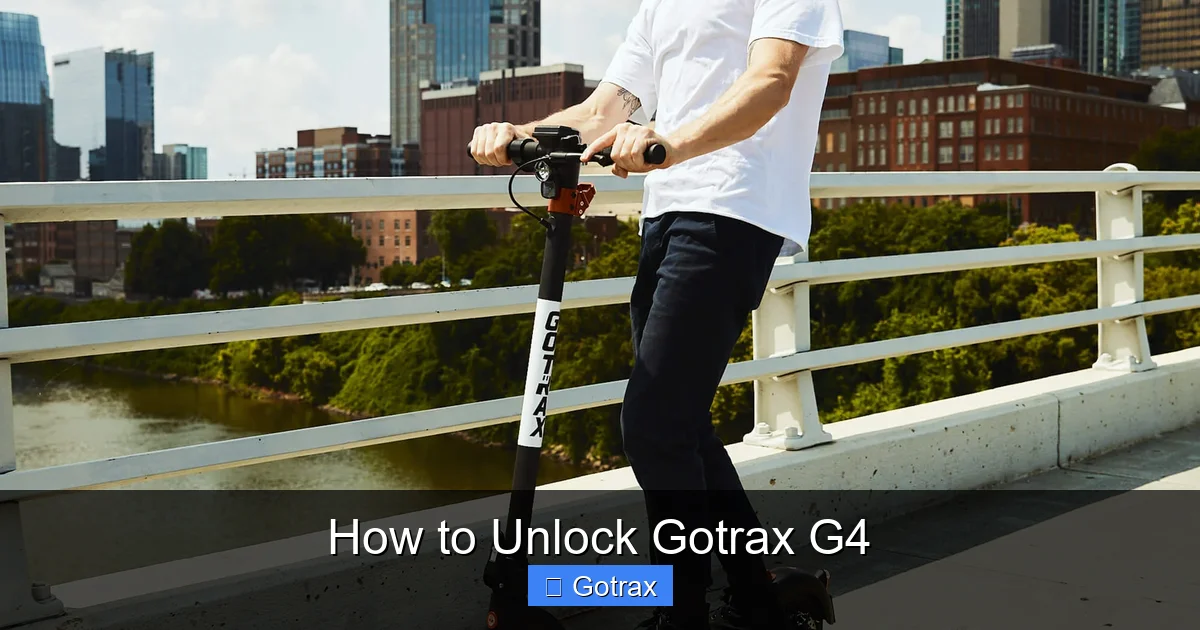
Visual guide about How to Unlock Gotrax G4
Image source: gotrax.com
Method 3: Performing a Hard Reset
If the standard unlock method doesn’t work—even with a charged battery—your Gotrax G4 may need a hard reset. This reboots the scooter’s internal computer and can resolve software glitches that prevent unlocking.
Step 1: Turn Off the Scooter
If the scooter is on, press and hold the power button until the screen turns off. Wait 10 seconds to ensure it’s fully powered down.
Step 2: Hold the Power Button for 10–15 Seconds
Press and hold the power button for 10 to 15 seconds. This forces a hard reset of the control system. You may see the screen flash or hear a series of beeps.
Step 3: Release and Wait
After holding the button, release it and wait 30 seconds. Then, press and hold the power button again for 3–5 seconds to turn the scooter back on.
Step 4: Test the Unlock
If the reset was successful, the scooter should power on normally and be ready to ride. Try twisting the throttle to confirm.
When to Use a Hard Reset
- The scooter won’t turn on after charging.
- The display shows error codes or flickers.
- The scooter was exposed to moisture or extreme temperatures.
Method 4: Unlocking via the Gotrax App
For a more advanced and convenient unlocking experience, you can use the official Gotrax app. This method is especially useful if the physical button isn’t working or you want remote control over your scooter.
Step 1: Download the Gotrax App
Search for “Gotrax” in the Apple App Store or Google Play Store. Download and install the official app. Make sure you’re using the latest version for compatibility.
Step 2: Create an Account and Log In
Open the app and create a free account using your email address. Log in to access the scooter controls.
Step 3: Pair the Scooter via Bluetooth
Turn on your Gotrax G4 using the power button (even if it’s just briefly). Open the app and tap “Add Scooter.” Follow the on-screen instructions to pair the scooter via Bluetooth. You may need to enter a pairing code displayed on the scooter’s screen.
Step 4: Unlock the Scooter in the App
Once paired, you’ll see your scooter listed in the app. Tap on it, then select “Unlock.” The app will send a signal to the scooter to disable the lock. You should hear a beep, and the scooter will be ready to ride.
Bonus Features in the App
- Track your speed, distance, and ride time.
- Adjust speed limits and riding modes.
- Check battery health and firmware updates.
- Enable anti-theft mode with GPS tracking.
App Troubleshooting Tips
- Ensure Bluetooth is enabled on your phone.
- Keep your phone within 10 feet of the scooter during pairing.
- Restart the app and scooter if pairing fails.
Method 5: Manual Unlock (For Emergency Situations)
In rare cases—such as a completely dead battery or malfunctioning electronics—you may need to manually unlock the Gotrax G4. This method should only be used as a last resort and does not disable the motor lock, but it allows you to fold and transport the scooter.
Step 1: Locate the Folding Mechanism
The Gotrax G4 has a folding stem that locks in place when upright. The lock is released by a lever near the base of the stem.
Step 2: Pull the Folding Lever
Pull the folding lever outward (away from the scooter) while gently pushing the handlebars forward. This will release the stem and allow you to fold the scooter.
Step 3: Transport Safely
Once folded, you can carry or store the scooter. Note that the motor will still be locked, so you won’t be able to ride it until it’s powered on and unlocked electronically.
Important Note
Manual unlocking does not replace the electronic unlock process. Always attempt to power on and unlock the scooter normally before resorting to manual methods.
Troubleshooting Common Unlock Issues
Even with the right steps, you might run into problems. Here are some common issues and how to fix them.
Issue 1: Scooter Won’t Turn On
- Cause: Dead battery or faulty charger.
- Solution: Charge the scooter for at least 2 hours. Try a different outlet or charger if available.
Issue 2: Screen Lights Up But Motor Won’t Engage
- Cause: Scooter is still in lock mode or speed limiter is active.
- Solution: Press and hold the power button again. Check the app for speed limit settings.
Issue 3: App Won’t Connect
- Cause: Bluetooth interference or outdated app.
- Solution: Restart your phone and scooter. Update the app and try pairing again.
Issue 4: Error Codes on Display
- Cause: System malfunction or sensor error.
- Solution: Note the error code and consult the Gotrax support page or user manual. Common codes include E1 (throttle error) and E2 (brake error).
Issue 5: Scooter Unlocks But Shuts Off Immediately
- Cause: Low battery or overheating.
- Solution: Charge the battery fully. Let the scooter cool down if it feels hot.
Preventing Future Lock Issues
Now that you know how to unlock your Gotrax G4, let’s talk about how to avoid getting locked out in the future.
Keep the Battery Charged
Always store your scooter with at least 50% charge. Lithium-ion batteries degrade faster when fully discharged.
Update Firmware Regularly
Use the Gotrax app to check for firmware updates. These can fix bugs and improve performance.
Avoid Extreme Temperatures
Don’t leave your scooter in direct sunlight or freezing conditions. Extreme heat or cold can damage the battery and electronics.
Clean and Inspect Regularly
Wipe down the scooter after rides, especially the display and charging port. Check for dirt, moisture, or loose connections.
Use the App for Monitoring
The Gotrax app can alert you to low battery, theft attempts, and maintenance needs.
Conclusion
Unlocking your Gotrax G4 doesn’t have to be frustrating. With the right knowledge, you can get back on the road quickly and safely. Whether you use the power button, the Gotrax app, or a hard reset, there’s a method that will work for your situation.
Remember: always start with the simplest solution—charging the battery and pressing the power button. If that doesn’t work, move on to resetting the system or using the app. And if all else fails, don’t hesitate to contact Gotrax customer support.
By following this guide, you’ll not only know how to unlock Gotrax G4 scooters, but also how to maintain them for long-term reliability. Happy riding!