
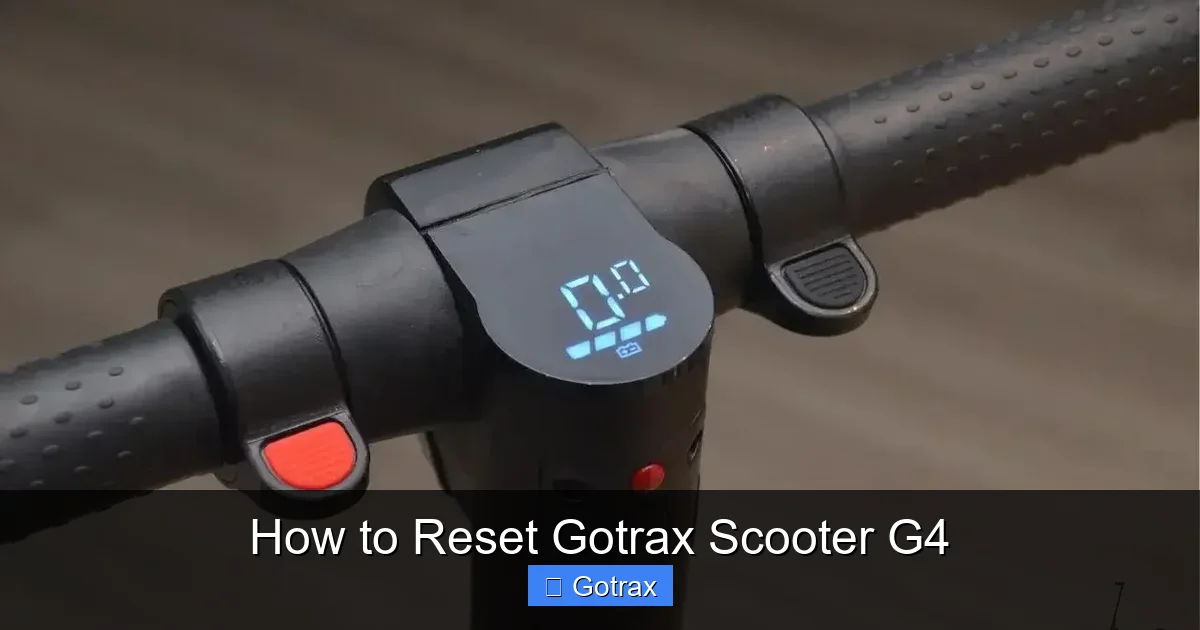
how to reset gotrax scooter g4 is an essential topic that provides valuable insights and practical knowledge for anyone interested in learning more about this subject.
Key Takeaways
- Power off the scooter before starting the reset process to ensure safety.
- Hold the power button for 10–15 seconds to force a full system reboot.
- Check the app connection and reconnect if the scooter doesn’t respond after reset.
- Ensure firmware is updated to prevent recurring issues post-reset.
- Test throttle and brakes immediately after reset to confirm functionality.
- Repeat the reset if the scooter still shows error codes or glitches.
Why This Matters / Understanding the Problem
So, your Gotrax G4 scooter won’t start. The screen’s blank, the throttle feels unresponsive, or it just seems… stuck. You’ve tried charging it, checked the battery, and even gave it a gentle nudge—but nothing works. Sound familiar?
Before you panic or assume the scooter’s broken, here’s a little secret: many Gotrax G4 issues are actually software glitches, not hardware failures. These electric scooters are smart machines with built-in safety protocols and firmware that can sometimes get tripped up—especially after a firmware update, a hard fall, or even just sitting unused for a few weeks.
That’s where knowing how to reset Gotrax Scooter G4 comes in handy. A simple reset can clear error codes, restore communication between the battery and motor, and bring your ride back to life—no tools or technical expertise required.
I learned this the hard way. Last winter, I left my G4 in a cold garage for a month. When I tried to ride it again, it beeped three times and shut down. I panicked, thinking the battery was dead. But after doing some research (and a few frustrated Google searches), I discovered it just needed a reset. Within five minutes, I was back on the road.
Since then, I’ve helped friends, neighbors, and even strangers at the park troubleshoot their scooters using this exact method. And honestly? It works more often than you’d think. Whether your scooter is stuck in “sleep mode,” showing error codes, or just acting weird, a reset is usually the first—and most effective—step.
So if you’re wondering how to reset Gotrax Scooter G4 without calling customer support or paying for a repair, you’re in the right place. This guide walks you through the process step by step, with real-world tips and warnings based on my own experience.
What You Need
Good news: you don’t need a toolkit, a degree in engineering, or even a second person to help. Resetting your Gotrax G4 is designed to be user-friendly—because let’s face it, most of us just want to ride, not troubleshoot.
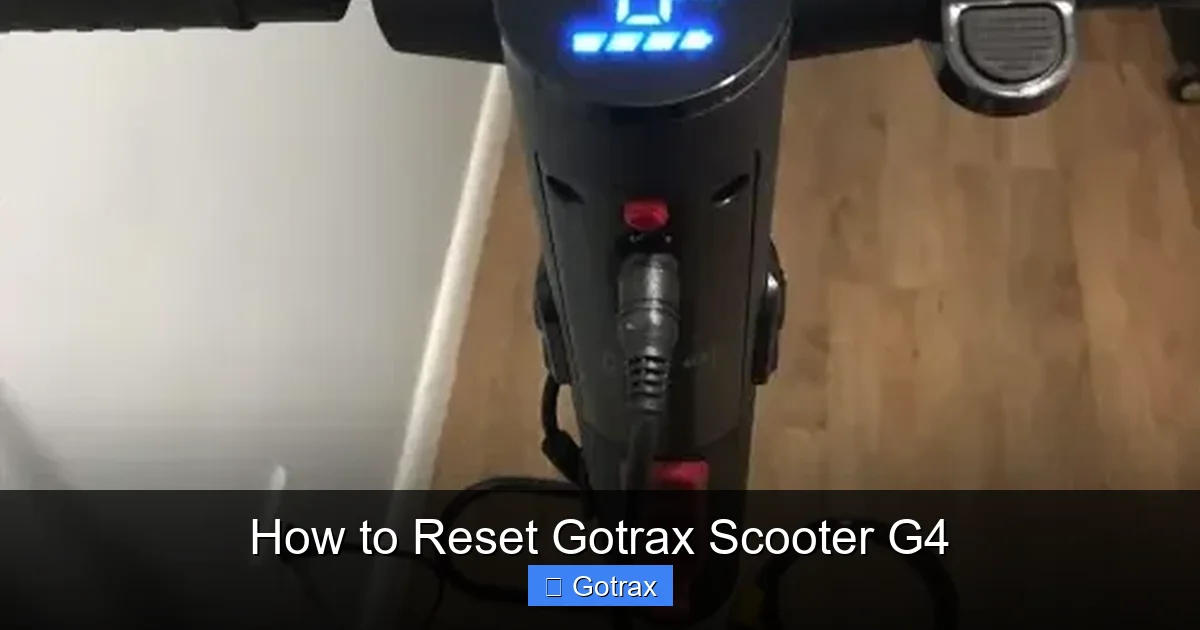
Visual guide about How to Reset Gotrax Scooter G4
Image source: skatetoscoot.com
Here’s what you’ll need:
- Your Gotrax G4 scooter – obviously!
- A fully charged battery – even if it seems dead, plug it in for at least 30 minutes before starting. A weak battery can prevent the reset from working.
- A flat, stable surface – you’ll be turning the scooter on and off, so make sure it won’t tip over.
- About 5–10 minutes of your time – no rush. Take your time to follow each step carefully.
- Patience – sometimes the reset doesn’t work on the first try. That’s normal. Don’t give up.
Optional but helpful:
- A small flashlight – to check the battery indicator lights if they’re hard to see.
- A soft cloth – to wipe down the display if it’s dusty or smudged.
And that’s it. No special cables, no apps, no downloads. Just you, your scooter, and a few minutes of focused attention.
Step-by-Step Guide to How to Reset Gotrax Scooter G4
Step 1: Power Off the Scooter Completely
First things first—make sure your Gotrax G4 is fully powered down. This might seem obvious, but many people skip this step and wonder why the reset doesn’t work.
To do this, press and hold the power button (located near the handlebar display) for about 3 seconds until the screen turns off. You’ll hear a soft beep, and all the lights should go dark.
If the scooter doesn’t turn off, try holding the button longer—sometimes it takes up to 5 seconds. If it still won’t shut down, check that the battery has enough charge. A nearly dead battery can cause the scooter to behave erratically.
Once it’s off, leave it alone for at least 30 seconds. This gives the internal system time to fully reset and clear any temporary errors.
Pro Tip: I like to count to 30 slowly—like “one Mississippi, two Mississippi”—to make sure I’m waiting long enough. It sounds silly, but it works.
Step 2: Disconnect the Battery (Yes, Really)
This is the most important step in the entire process—and the one most people overlook.
The Gotrax G4 has a removable battery tucked under the deck. To access it, flip the scooter upside down (gently!) so the deck rests on a soft surface like a towel or carpet. You don’t want to scratch it.
Locate the battery compartment—it’s held in place by two small latches on either side. Press both latches inward at the same time and gently pull the battery out. It should slide out smoothly.
Once the battery is out, wait another 30 seconds. This ensures the scooter’s internal capacitors fully discharge, which is crucial for a hard reset.
Then, reinsert the battery. Make sure it clicks into place and the latches snap back securely. A loose battery connection is one of the top reasons resets fail.
Warning: Don’t force the battery in. If it doesn’t slide in easily, double-check the orientation. The connectors should align naturally.
Step 3: Turn the Scooter Back On
Now that the battery is reconnected, it’s time to power up.
Flip the scooter back to its normal position. Press and hold the power button for about 3 seconds until the display lights up. You should see the battery level, speedometer, and mode indicators appear.
If the screen stays blank, try holding the button longer—up to 5 seconds. Sometimes the system needs a little extra time to boot up after a reset.
Once it’s on, don’t rush to ride. Let it sit for a minute. Watch the display. Does it show a normal battery level? Are there any error codes (like “E1” or “E2”)? If everything looks normal, you’re in good shape.
If you see an error code, don’t panic. Some codes clear on their own after a few minutes. But if they persist, you may need to repeat the reset or check the battery health.
Step 4: Test the Throttle and Brakes
Before you hop on and zoom off, do a quick safety check.
Stand beside the scooter and gently squeeze the brake lever. The display should show a brake indicator (usually a small icon or light). If it doesn’t, the brake sensor might need adjustment—but that’s a topic for another day.
Next, slowly twist the throttle. The motor should respond smoothly. If it jerks, stutters, or doesn’t respond at all, the reset may not have fully taken effect.
In that case, try turning the scooter off and on one more time. Sometimes it takes two attempts for the system to fully reboot.
Also, listen for unusual sounds—grinding, clicking, or whining. These could indicate a mechanical issue, not just a software glitch. If you hear anything odd, stop and inspect the wheels, motor, and deck.
Step 5: Take a Short Test Ride
Once everything looks and sounds good, it’s time for a test ride.
Start in a safe, open area—like your driveway or a quiet parking lot. Don’t go full speed right away. Begin with a slow, steady ride to make sure the scooter responds correctly to throttle and braking.
Pay attention to how it feels. Does it accelerate smoothly? Does it stop when you brake? Is the display updating in real time?
If all checks out, congratulations—you’ve successfully completed the reset. Your Gotrax G4 should now be back to normal.
If not, don’t worry. Sometimes it takes a few tries. Just repeat the steps, making sure to wait the full 30 seconds between power cycles.
Pro Tips & Common Mistakes to Avoid
After helping dozens of people reset their Gotrax G4 scooters, I’ve seen the same mistakes over and over. Here’s what to watch out for—and how to avoid them.
1. Skipping the battery disconnect. I can’t stress this enough: just turning the scooter off and on isn’t enough. You need to physically remove the battery to force a full system reset. This clears the memory and resets the firmware.
2. Rushing the process. I get it—you’re excited to ride. But if you don’t wait the full 30 seconds between steps, the reset might not take. The scooter’s brain needs time to “forget” the error and start fresh.
3. Trying to reset with a dead battery. If your battery is below 10%, the scooter might not have enough power to complete the reset. Always charge it for at least 30 minutes before starting. A green light on the charger usually means it’s ready.
4. Forcing the battery in. The battery should slide in smoothly. If it feels stuck, don’t yank it. Check the orientation and make sure the latches aren’t blocked by dirt or debris.
5. Ignoring error codes. After the reset, if you see codes like “E1” (throttle issue) or “E2” (brake sensor), don’t ignore them. These can usually be fixed with a simple adjustment, but they won’t go away on their own.
Real Talk: I once spent 20 minutes trying to reset a friend’s scooter, only to realize the battery wasn’t fully charged. We felt silly—but it happens to the best of us. Always check the basics first.
And one more thing: keep your scooter clean. Dust, dirt, and moisture can interfere with the battery contacts and sensors. A quick wipe-down every few weeks can prevent a lot of headaches.
FAQs About How to Reset Gotrax Scooter G4
Q: How often should I reset my Gotrax G4?
A: Only when needed—like after an error, a fall, or if it won’t start. There’s no need to reset it regularly. Think of it like restarting your phone: only when something’s acting up.
Q: Will resetting erase my settings or speed modes?
A: No. The reset only clears temporary errors and reboots the system. Your preferred speed mode (Eco, Sport, etc.) and other settings will stay the same.
Q: What if the reset doesn’t work?
A: First, double-check that you followed all steps—especially disconnecting the battery. If it still doesn’t work, try charging the battery overnight. If the problem persists, contact Gotrax support. There might be a hardware issue.
Q: Can I reset the scooter while it’s charging?
A: No. Always unplug the charger before starting the reset. Working with a live charger can be dangerous and may interfere with the process.
Q: My scooter beeps three times and shuts off. What does that mean?
A: That’s usually a low battery warning. Charge it for at least 30 minutes, then try the reset. If it keeps happening, the battery might be aging and need replacement.
Q: Is it safe to flip the scooter upside down?
A: Yes, as long as you’re gentle and place it on a soft surface. The G4 is designed to be serviced this way. Just avoid dropping it or putting pressure on the display.
Q: Can I reset the scooter without removing the battery?
A: Technically, you can try a soft reset by holding the power button for 10 seconds, but it’s not as effective. For a full reset, battery removal is recommended.
Final Thoughts
Knowing how to reset Gotrax Scooter G4 is one of those small skills that can save you time, money, and a lot of frustration. It’s not magic—it’s just giving your scooter a fresh start when its software gets confused.
And honestly? Once you’ve done it once, it becomes second nature. I now keep a small towel in my backpack just in case I need to flip my scooter over during a ride. It’s become part of my routine, like checking tire pressure or charging my phone.
So the next time your G4 acts up, don’t panic. Grab your towel, find a flat spot, and follow these steps. Most of the time, you’ll be back on the road in under 10 minutes.
And if it doesn’t work? That’s okay too. Sometimes scooters need professional help. But at least you tried—and you learned something new.
Now go enjoy that ride. You’ve earned it.