
Resetting your Gotrax G4 scooter can solve common issues like unresponsive controls, error codes, or battery glitches. This guide walks you through the full reset process, troubleshooting tips, and maintenance advice to keep your scooter running smoothly.
Key Takeaways
- Power cycling resolves minor glitches: Turning the scooter off and on can fix temporary software hiccups without a full reset.
- Factory reset restores default settings: Use this method when the scooter won’t respond or shows persistent error codes.
- Check battery level before resetting: A low battery can cause malfunctions that mimic system errors.
- Use the correct button sequence: Pressing the power button in the right order is crucial for a successful reset.
- Update firmware if available: After resetting, check for firmware updates via the Gotrax app to improve performance.
- Regular maintenance prevents issues: Clean connectors, check tire pressure, and store properly to avoid future resets.
- Contact support if problems persist: If the scooter still doesn’t work after a reset, reach out to Gotrax customer service.
How to Reset Gotrax G4 Scooter: A Complete Step-by-Step Guide
Owning a Gotrax G4 electric scooter is a convenient and eco-friendly way to get around town. But like any electronic device, it can occasionally run into issues—whether it’s a frozen display, unresponsive throttle, or unexpected error codes. When that happens, knowing how to reset your Gotrax G4 scooter can save you time, frustration, and a trip to the repair shop.
In this comprehensive guide, you’ll learn exactly how to reset your Gotrax G4 scooter using two proven methods: a simple power cycle and a full factory reset. We’ll also cover troubleshooting tips, maintenance advice, and answers to common questions so you can keep your scooter in top shape. Whether you’re a new rider or a seasoned commuter, this guide will help you get back on the road quickly and safely.
Why You Might Need to Reset Your Gotrax G4
Before diving into the reset process, it’s helpful to understand why your scooter might need a reset in the first place. The Gotrax G4 is a smart electric scooter with a built-in control system that manages speed, battery usage, braking, and safety features. Sometimes, this system can get stuck due to software glitches, power surges, or incorrect usage.
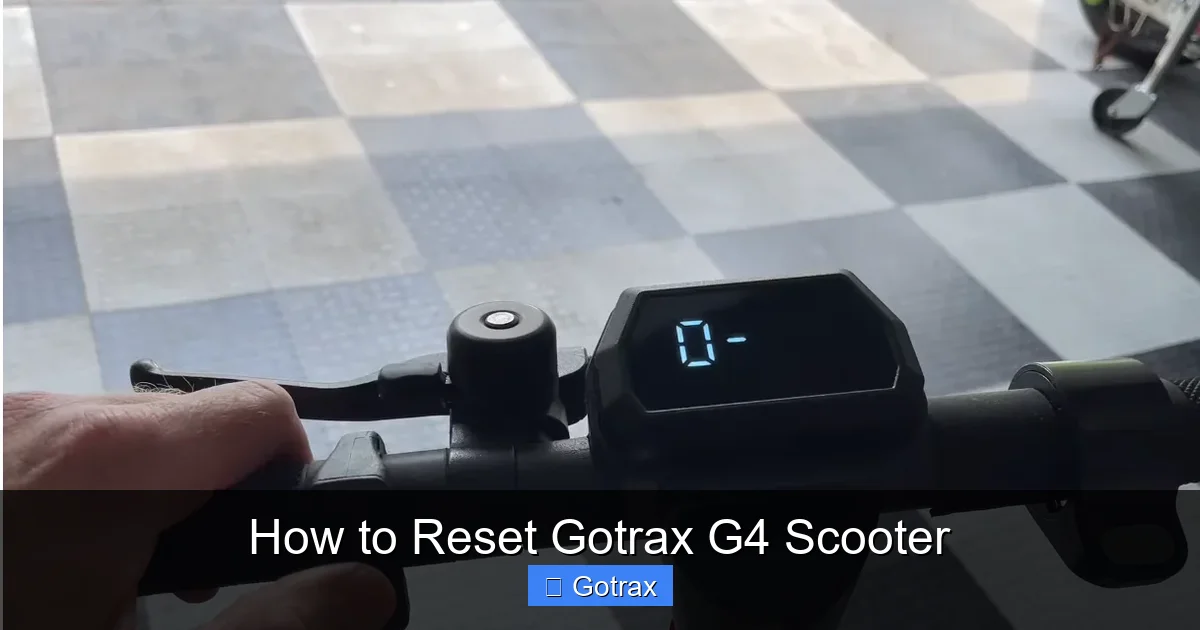
Visual guide about How to Reset Gotrax G4 Scooter
Image source: scootertip.b-cdn.net
Common signs that your scooter needs a reset include:
- The display screen is frozen or showing incorrect information
- The scooter won’t turn on, even with a charged battery
- The throttle or brakes don’t respond when you use them
- Error codes appear on the display (like “E1” or “E2”)
- The scooter suddenly stops working during a ride
- The speed limiter or cruise control acts unpredictably
These issues are often temporary and can be resolved with a simple reset. However, if the problem persists after a reset, it may indicate a hardware issue that requires professional attention.
What You’ll Need Before Starting
Resetting your Gotrax G4 is a straightforward process that doesn’t require any special tools. However, there are a few things you should have ready to ensure a smooth experience:
- A fully charged battery: Make sure your scooter has at least 50% charge. A low battery can interfere with the reset process or cause the scooter to shut down mid-reset.
- A safe, flat surface: Perform the reset on level ground, away from traffic or obstacles.
- Your Gotrax app (optional): If you’ve paired your scooter with the app, you can use it to check for firmware updates after the reset.
- Patience and focus: Follow each step carefully and avoid rushing—especially when pressing buttons in sequence.
Once you’ve gathered these items, you’re ready to begin.
Method 1: Power Cycling (Soft Reset)
The first and simplest method to try is a power cycle, also known as a soft reset. This process restarts the scooter’s control system without erasing any settings. It’s ideal for minor glitches like a frozen screen or unresponsive controls.
Step 1: Turn Off the Scooter
Press and hold the power button on the handlebar for 3–5 seconds until the display turns off. You should see all lights and the screen go dark. If the scooter doesn’t turn off, wait a few seconds and try again.
Step 2: Wait 30 Seconds
After turning off the scooter, leave it powered down for at least 30 seconds. This gives the internal electronics time to fully discharge and reset. Avoid touching any buttons during this time.
Step 3: Turn It Back On
Press and hold the power button again for 3–5 seconds until the display lights up. The Gotrax logo should appear, followed by the battery level and speedometer. Once the scooter is fully powered on, test the throttle and brakes to see if the issue is resolved.
Pro Tip: If the scooter still doesn’t respond after a power cycle, try removing the battery (if accessible) and reinserting it after 10–15 seconds. This can help discharge any residual power in the system.
Method 2: Factory Reset (Hard Reset)
If a power cycle doesn’t fix the problem, you may need to perform a factory reset. This method restores the scooter to its original factory settings, clearing any corrupted data or incorrect configurations. Use this method if your scooter shows persistent error codes, won’t connect to the app, or behaves erratically.
⚠️ Warning: A factory reset will erase custom settings like speed limits or cruise control preferences. Make sure you’re okay with losing these before proceeding.
Step 1: Power On the Scooter
Turn on your Gotrax G4 using the power button. Wait for the display to fully load and show the battery level and speedometer.
Step 2: Enter Reset Mode
With the scooter powered on, press and hold the power button and the brake lever simultaneously. Keep both pressed for 10–15 seconds. You’ll notice the display flashing or the lights blinking rapidly—this indicates the reset process has started.
Step 3: Release and Wait
After 10–15 seconds, release both the power button and the brake lever. The scooter will automatically shut down and restart. This may take 20–30 seconds. Once it powers back on, the display should show default settings and no error codes.
Step 4: Test the Scooter
After the reset, test all functions: throttle, brakes, lights, and display. Take a short test ride in a safe area to ensure everything is working properly. If the issue is resolved, you’re good to go!
Note: Some users report that the reset sequence may vary slightly depending on the firmware version. If the above steps don’t work, try holding the power button and throttle instead of the brake.
Troubleshooting Common Reset Issues
Even with clear instructions, you might run into problems during the reset process. Here are some common issues and how to fix them:
The Scooter Won’t Turn Off
If the power button doesn’t respond when you try to turn off the scooter, it may be frozen. Try holding the power button for 10–15 seconds instead of 3–5. If that doesn’t work, remove the battery (if possible) and wait 30 seconds before reinserting it.
The Reset Sequence Doesn’t Work
If pressing the power button and brake doesn’t trigger the reset, double-check that you’re pressing both at the same time and holding them long enough. Some users accidentally release too soon. Also, ensure the scooter is fully powered on before starting the sequence.
Error Codes Still Appear After Reset
If error codes like “E1” (motor issue) or “E2” (brake sensor problem) persist after a reset, the issue may be hardware-related. Check the brake lever for obstructions, inspect the motor connections, and ensure the battery is securely seated. If the problem continues, contact Gotrax support.
The Scooter Powers On But Doesn’t Move
This could be due to a safety lock or speed limit setting. Check the display for a lock icon or “L” symbol. To unlock, press and hold the power button for 5 seconds until the icon disappears. Also, make sure the scooter is in the correct mode (e.g., not in walk mode).
Battery Drains Quickly After Reset
If your battery life seems shorter after a reset, it may need recalibration. Fully charge the scooter, then ride it until it completely dies. Repeat this process 2–3 times to help the battery management system relearn its capacity.
Post-Reset Maintenance Tips
Once your Gotrax G4 is reset and working properly, take a few steps to keep it in great condition and prevent future issues:
- Keep it clean: Wipe down the deck, handlebars, and display with a dry cloth after each ride. Avoid water near the battery compartment or motor.
- Check tire pressure: Underinflated tires can strain the motor and reduce battery life. Use a pump to maintain the recommended PSI (usually 40–50 PSI).
- Store in a dry place: Avoid leaving your scooter in extreme heat, cold, or humidity. Store it indoors when not in use.
- Update firmware: Download the Gotrax app and check for firmware updates. Updated software can improve performance and fix bugs.
- Inspect connections: Periodically check the battery terminals, motor wires, and brake sensors for dirt or damage.
- Avoid overloading: The Gotrax G4 has a weight limit of 220 lbs. Exceeding this can damage the motor and trigger safety shutdowns.
By following these tips, you’ll extend the life of your scooter and reduce the need for future resets.
When to Contact Gotrax Support
While most issues can be resolved with a reset, some problems require professional help. Contact Gotrax customer support if:
- The scooter won’t turn on even after a full reset and battery charge
- You hear unusual noises from the motor or wheels
- The battery won’t charge or swells in size
- Error codes continue to appear after multiple resets
- You suspect water damage or physical damage to internal components
Gotrax offers a 1-year limited warranty on the G4, so you may be eligible for a repair or replacement if the issue is covered. Visit their official website or call their support line for assistance.
Final Thoughts
Resetting your Gotrax G4 scooter is a simple but powerful way to fix many common problems. Whether you’re dealing with a frozen screen, unresponsive controls, or error codes, a power cycle or factory reset can often get you back on the road in minutes. Just remember to follow the steps carefully, keep your scooter well-maintained, and reach out to support if needed.
With this guide, you now have the knowledge and confidence to handle reset situations like a pro. So the next time your scooter acts up, don’t panic—just reset, recharge, and ride on!